Power Pages

Microsoft Power Pages allows you to create secure B2B and B2C portals connected to Dataverse and your company's processes. We help you launch self-service features, forms, and partner support without having to build each solution from scratch.


Power Pages It supports portals that serve millions of users and handle thousands of daily interactions.
25%
faster development
20%
less work involved in integration
1
low-code web platform
The Challenge

The customer sees the form, and the team continues to handle the process manually

It all starts with an email

The client sends data and attachments in various formats, so the team organizes them, transcribes them, and manually verifies that they are complete.

The status requires further follow-up

The user can't see the progress, documents, or decisions, so they call customer service, and the number of inquiries increases along with the volume.

Data is copied between systems

The portal, CRM, and ERP do not use a shared process, which leads to duplicates, delays, and inconsistent versions of information.

Access is broader than necessary

A lack of consistent roles and permissions can result in inaccurate records, increasing operational, legal, and reputational risks.

How It Works

From the user's need to a completed task in a single process

Power Pages It integrates the portal, Dataverse, identity, and automation. The project begins with a user task and ends with the result stored in the source system.

01

Purpose

We define the user, task, outcome, exceptions, KPI baseline, and process owner.

02

Data

We link records, forms, documents, and systems without unnecessary duplication.

03

Access

We design the login process, roles, permissions, and the visibility of data and pages.

04

Course

We automate decisions, confirmations, statuses, escalations, and performance measurement.

THE LOOP CLOSES WITH DATA
Pillars

The portal's two pillars: self-service and controlled access

A user-terminated process

The portal guides the customer or partner from the identification of a need to a confirmed result.

One-stop service
Requests, statuses, documents, and communication form a cohesive process.
Complete data at the source
Validation reduces errors and the need for corrections before a case is forwarded.
Automated Actions
A workflow triggers a decision, an update, a notification, or an escalation.
The next step is clear
The user is aware of the status, responsibilities, and required actions.

Data Available by Role

Identity, roles, and permissions restrict access to specific records and actions.
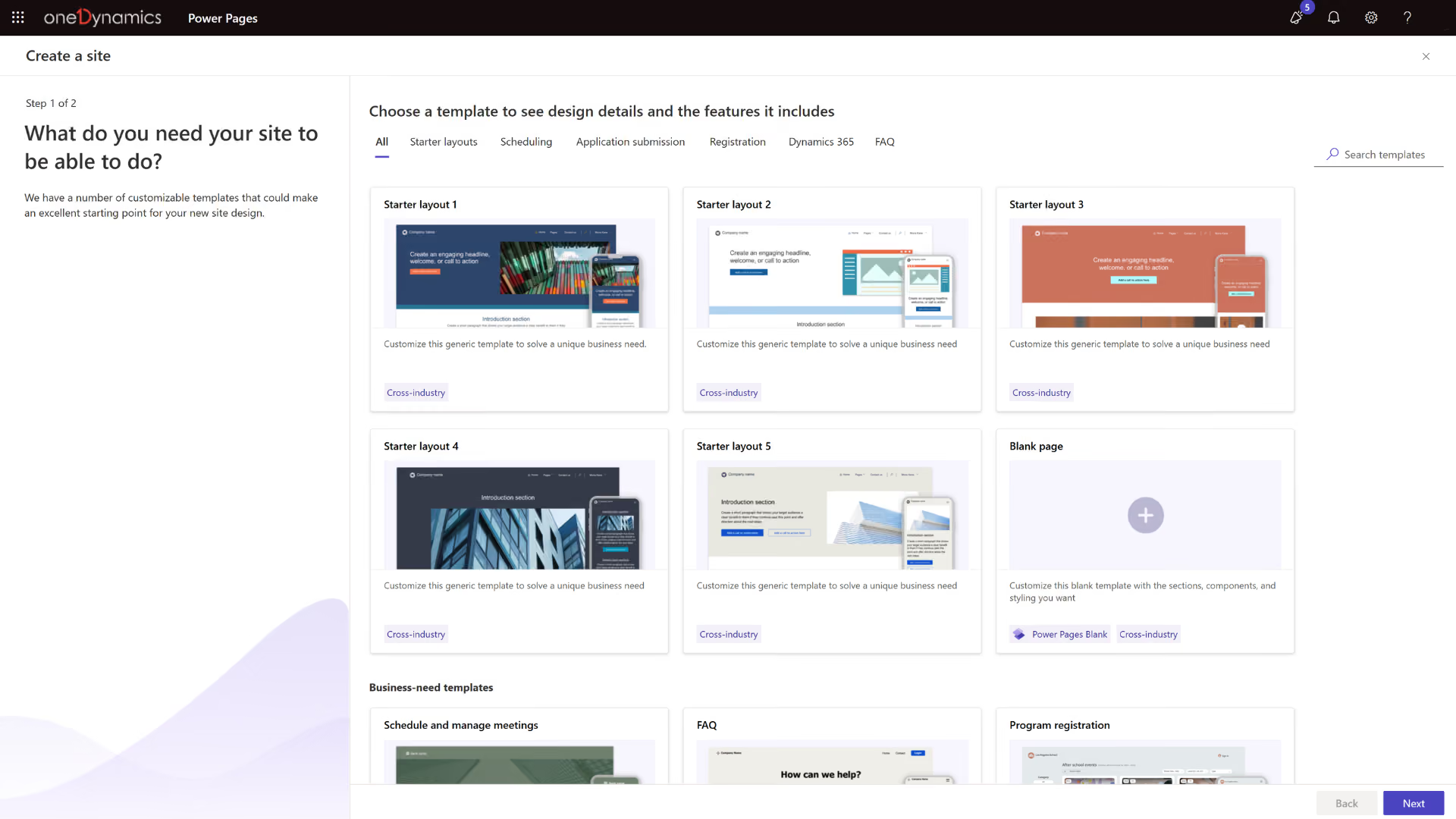
User Authentication
Entra External ID and other providers verify identity.
Record Permissions
Roles and table permissions restrict the scope of data in Dataverse.
Secure Websites
Page permissions protect content and components based on role.
A Controlled Cycle of Change
Development environments, solutions, and tests separate development from production.
Photos

See how it works

What Is " Power Pages " in Digital Experience Architecture?

Microsoft Power Pages is a low-code platform for building, hosting, and managing external business portals based on data and processes.
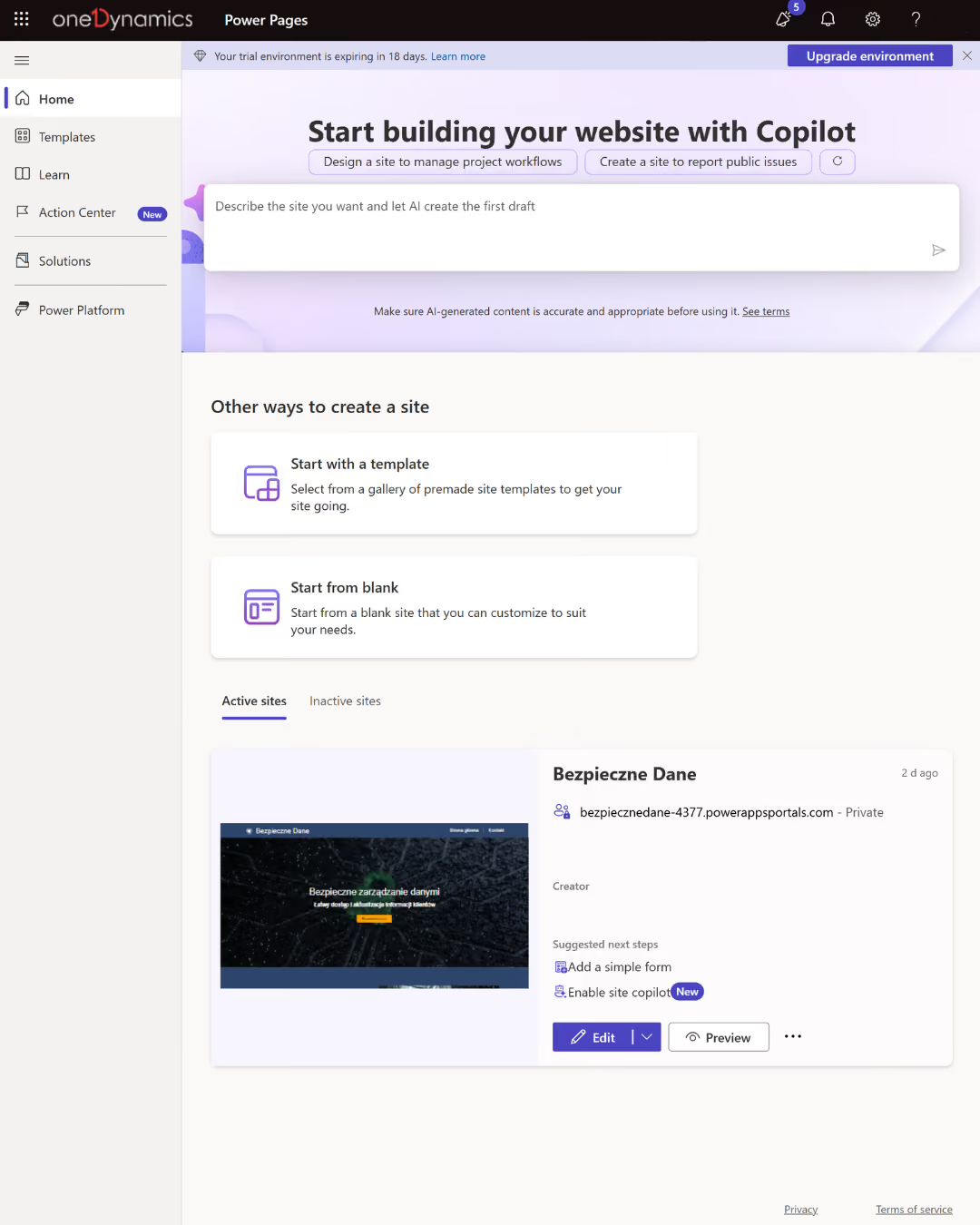
A portal based on Dataverse
It provides access to forms, lists, and records without having to build a separate data layer for each process.
Identity and Roles
They provide customers, partners, and suppliers with access only to the relevant content, data, and activities.
Process Automation
It links a ticket to an approval, a system update, a notification, a payment, or an escalation.
Low-code and pro-code development
It allows you to launch the portal quickly and, if necessary, expand the UX, business logic, APIs, and integrations.

Take a look inside

Where Power Pages bridges the gap between the company and external users

The greatest value is created by processes that require login, contextual data, documents, status information, and integration with the source system.

Sales, Marketing, and Customer Service
Customers and partners submit inquiries, file requests, check the status of their requests, orders, and documents, and use self-service features.
Finance and Supplier Relations
Suppliers submit data, invoices, and confirmations, and customers can view settlements and statuses linked to a controlled workflow.
Operations, Manufacturing, and Service
Contractors, network locations, and service technicians report incidents, conduct training, request resources, and track process progress.
What We Optimize

What results have companies achieved by using Power Pages

-85%

cost of the portal solution

-30%

process completion time

8 hours per week

time saved by the administration

<4 mies.

From Concept to Portal

FOR WHOM

For companies that are moving external processes to a secure self-service platform

  • Customers, partners, or suppliers regularly send data and documents, and the team manually checks them for completeness and transcribes the information.
  • Users need secure access to their own records, statuses, and activities stored in CRM, ERP, or Dataverse.
  • The company wants to expand its digital self-service offerings, but it needs a unified identity, an authorization model, integration, ALM, and value metrics.

How We Implement

Power Pages Implementation: From Process to Live Portal

Audit and Scope

We map users, tasks, data, roles, risks, systems, licenses, and KPI baselines. We select a process for the initial rollout.

Implementation and Testing

We design the portal, Dataverse, identity, permissions, integrations, and automation. We test UX, security, exceptions, and load.

Optimization and Scale

We measure completion rates, adoption rates, time, errors, and cost. We streamline the process, expand self-service capabilities, and maintain a controlled change cycle.

Numbers, not slides

What Works for Customers Who Have Placed Their Trust in Us

End-to-end projects across various industries. The same Microsoft tools, different results—because each of our clients’ businesses is unique.

They've placed their trust in us

Documentation used to take up a lot of time. Now we can prepare it much faster. Customer data is available immediately, and internal communication has never been smoother.

Łukasz Krzemiński
IT Manager
·
Unibep Group
Let's talk about technology

Turn technology into results

Tell us what you want to improve. We'll show you how to use this technology to achieve a specific business outcome.