.svg)
240+
Salons covered by the launch of the global solution.
Experlogix Document Automation automates the creation, approval, signing, distribution, and storage of documents based on data from Dynamics 365. We help you build templates and workflows that speed up processing and reduce errors.
.svg)

An employee transcribes information from CRM, ERP, and spreadsheets. Preparing the document takes longer, and the risk of providing incorrect data to the customer increases.
Clauses, terms, and branding are stored in multiple files. Teams use outdated versions, which makes it difficult to maintain consistency and compliance.
The document is circulating in the system without a status or an owner. This delays the decision, the signature, and the response to the customer.
Even a routine change to content or rules requires technical support. The backlog is growing, and the business is too slow to respond to new requirements.
Experlogix It retrieves data from sources, applies rules and approved content, guides the document through the approval process, and then delivers it to the appropriate channel and repository.
Retrieve up-to-date information from Dynamics 365, Dataverse, ERP, forms, databases, or APIs.

Combine fields, rules, clauses, tables, and branding in a managed Microsoft Word template.
Submit the document for review, approval, and electronic signature in accordance with the process rules.
Send the correct format and automatically save the document in the agreed-upon system.
Approved data, components, and rules are used to create the correct version of the document without manually copying the content.

A document goes through verification, decision-making, signing, delivery, and archiving along a single, measurable path.
.avif)
.avif)
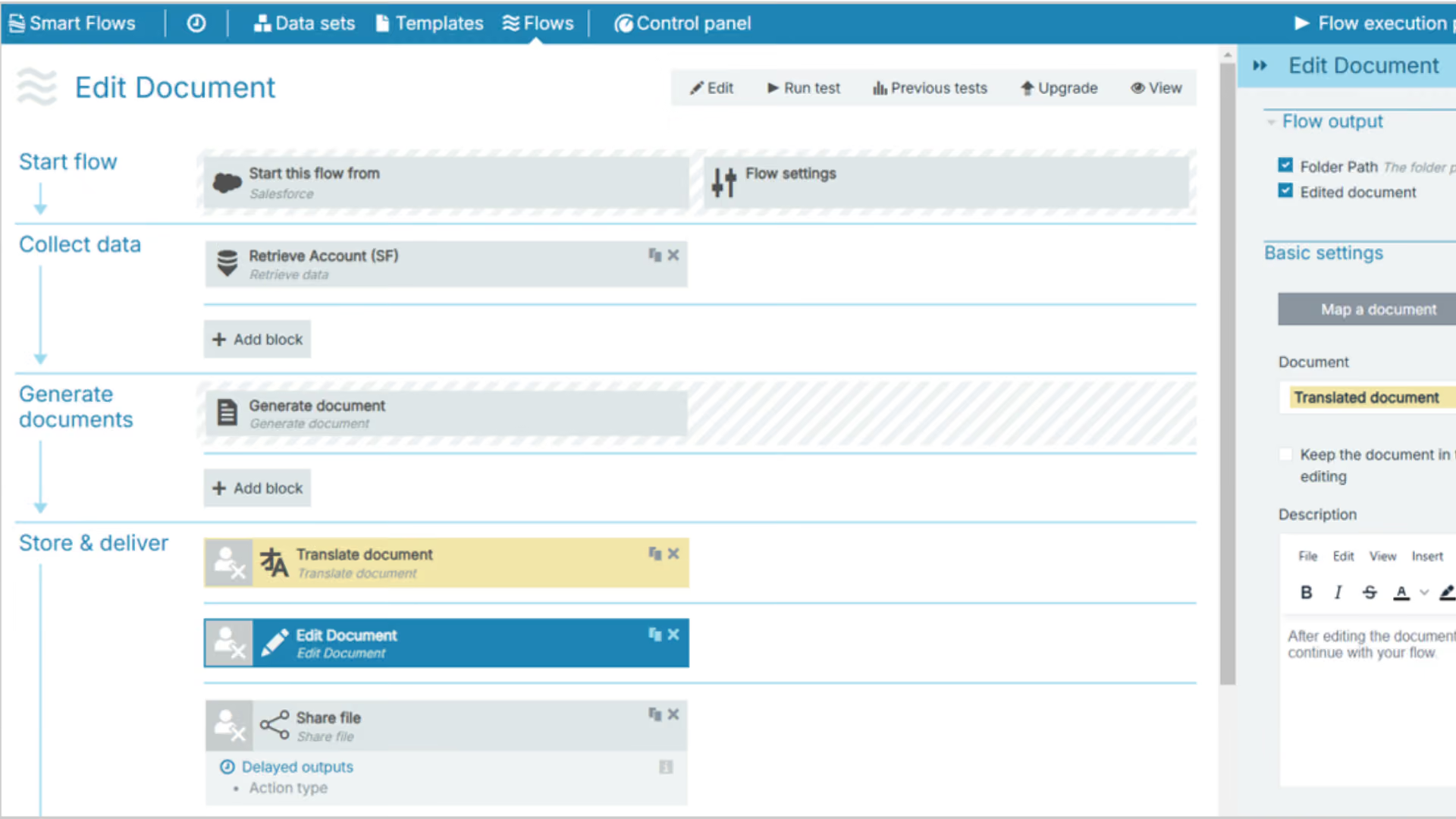
It is a document automation platform that integrates data from Dynamics 365, Power Platform, ERP, and APIs with templates, rules, and controlled workflows.
.avif)
The same rules for content, data, and approval can be applied to customer, finance, and operations documents. Each department maintains its own roles, templates, and metrics.
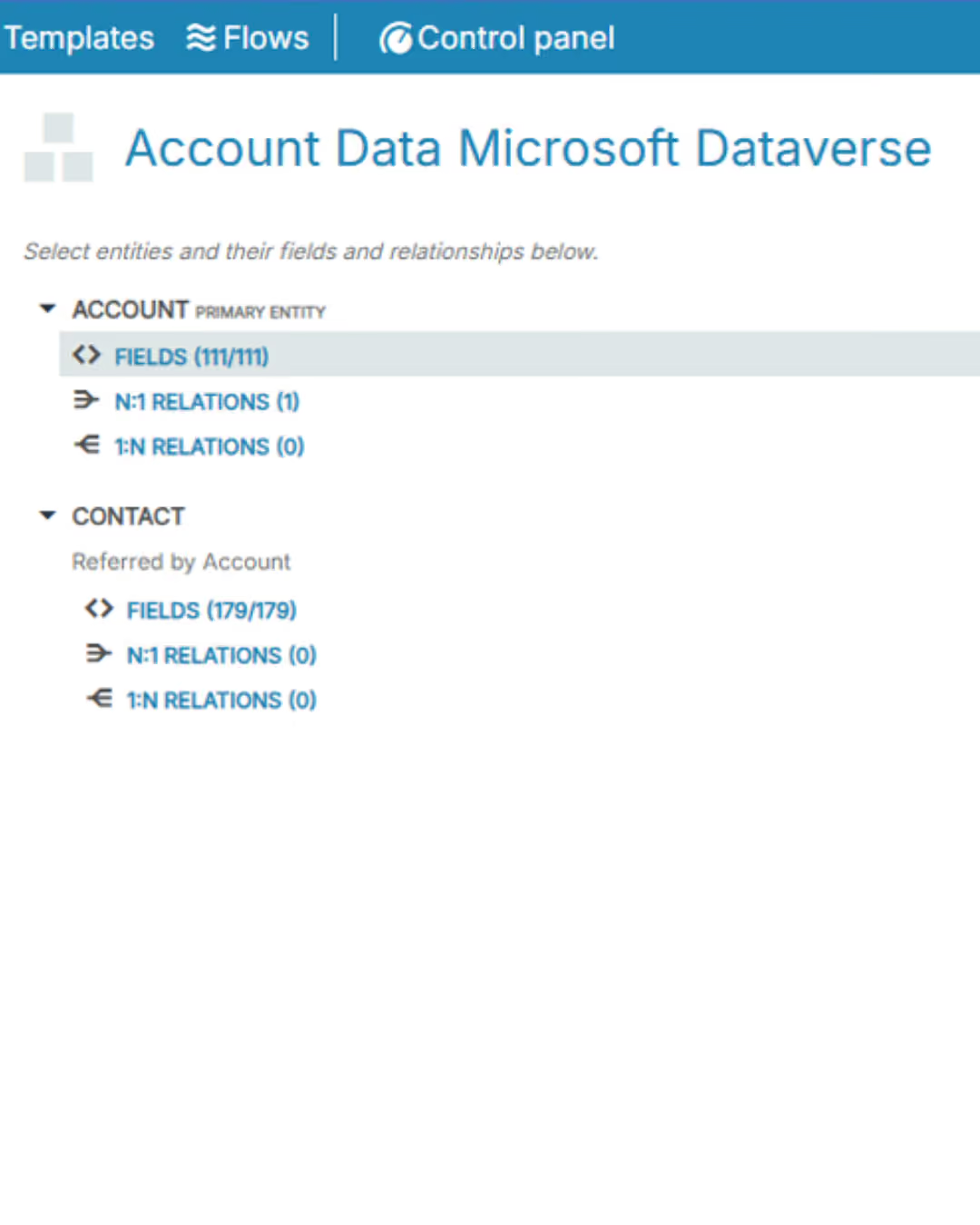
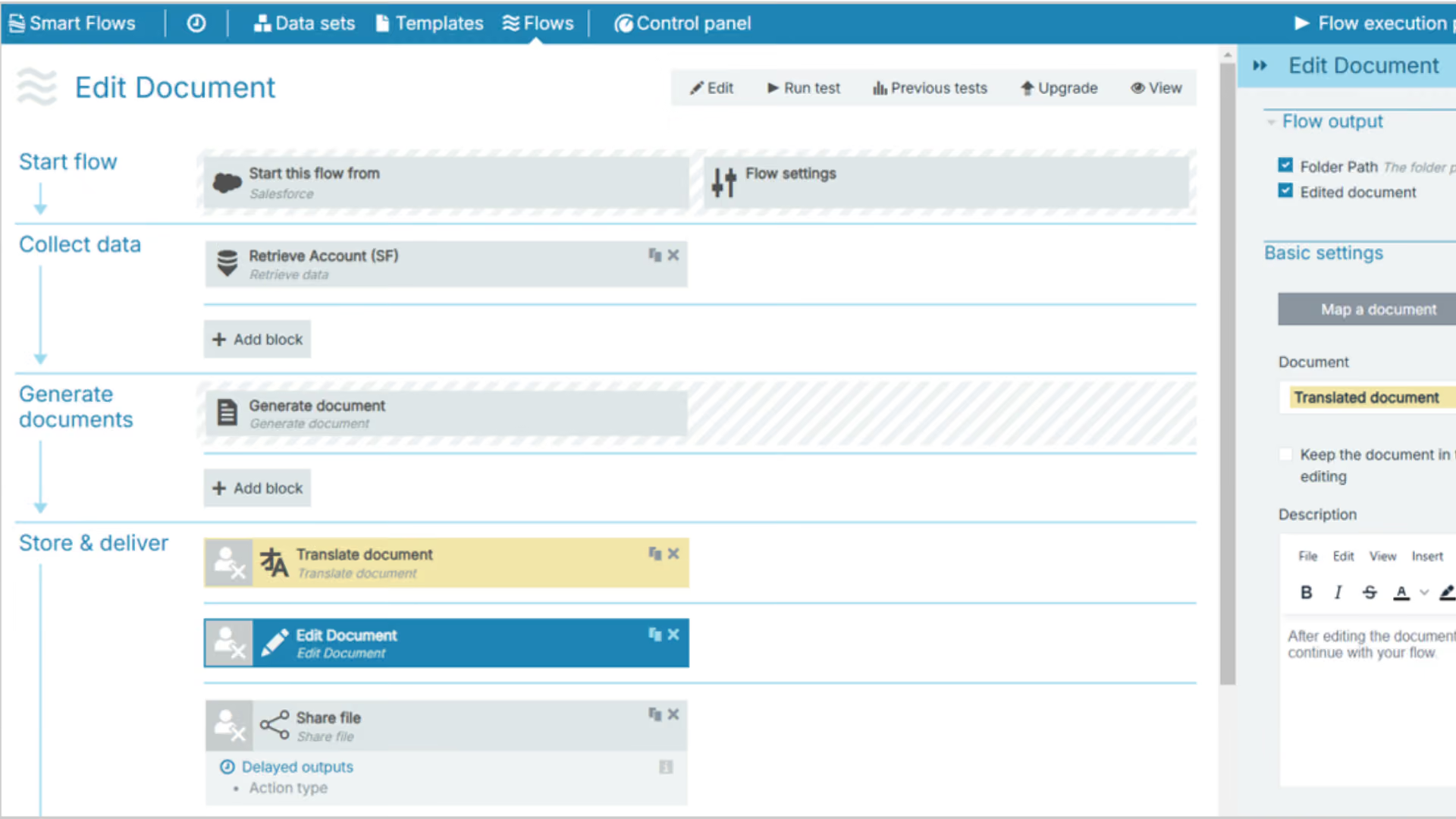
90–93%
faster document generation
10 min
document instead of 45–60 minutes
6–8×
more documents in a single operation
80%
fewer versions of lease documents

We map documents, volumes, data, templates, rules, approvals, channels, risks, and metrics. We select the first process for a pilot.
We integrate data sources, build templates and workflows, configure roles, and test generation, signing, sending, and saving.
We track time, errors, corrections, adoption, and volume. We streamline processes and roll out new documents, departments, and markets.
End-to-end projects across various industries. The same Microsoft tools, different results—because each of our clients’ businesses is unique.
Salons covered by the launch of the global solution.
Shared data on customers, products, services and price lists.
Shorter turnaround time for service requests.
Common sales and reporting model.
Shorter offer preparation time.
Shared customer data, offers and service requests.
Complete customer view for sales teams.
Shorter offer preparation time.

“
We save 20–30% of the time spent on daily tasks—time that we used to waste searching for information.
”

Tell us what you want to improve. We'll show you how to use this technology to achieve a specific business outcome.