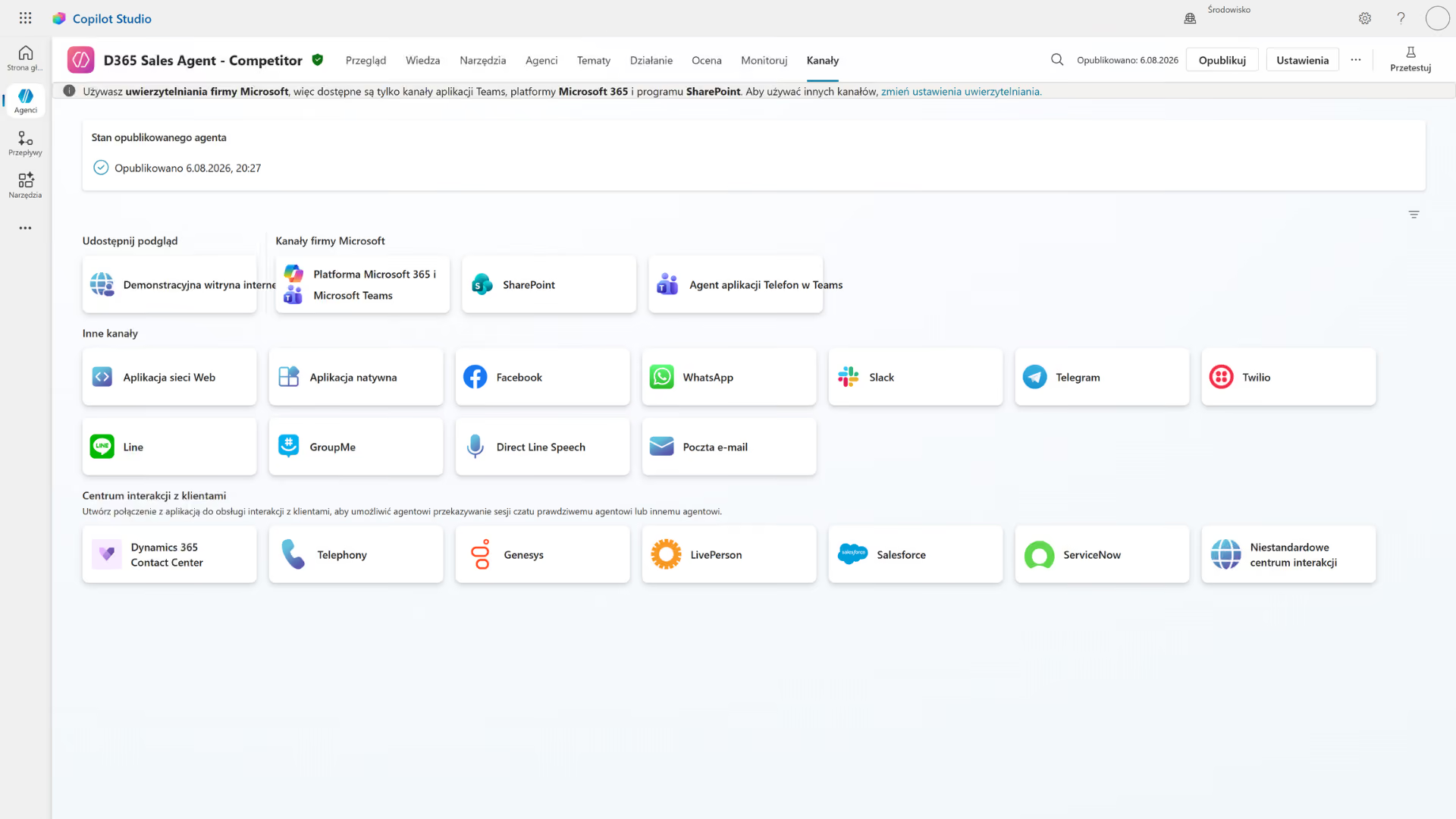
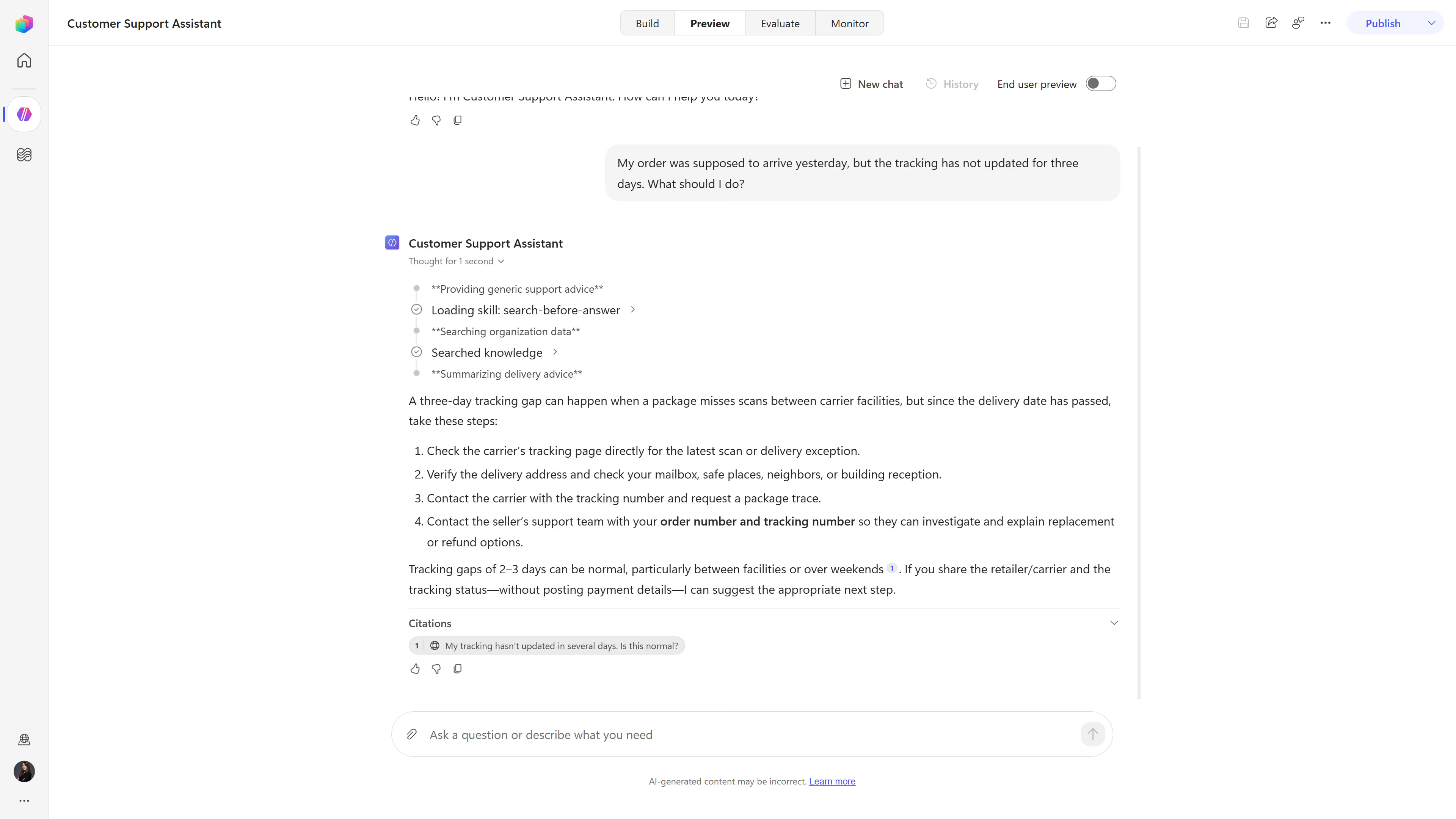
Copilot Studio

Microsoft Copilot Studio is used to build AI agents that leverage the company's knowledge and perform actions within systems. We help design, integrate, and manage agents that support employees, customers, and processes.


Copilot Studio 's economic model illustrates the impact of agents on return, revenue, and onboarding.
100,000+
organizations that use
1400+
plugins and connectors
3 min
AI agents created
The Challenge

Knowledge is there, but the process still depends on people

Knowledge is scattered

Procedures, files, and records have different owners, so the employee searches for answers, compares versions, and postpones a decision.

The answer doesn't settle the matter

The assistant provides the information but does not update the CRM or trigger an action, so the user reverts to the manual process.

AI works without a meter

The pilot program measures the number of calls rather than accuracy, task completion, and impact, so management is unable to assess the return on investment.

The risk becomes apparent too late

Without the proper permissions, DLP, testing, and human oversight, an agent may disclose data, use an incorrect source, or perform an inappropriate action.

How It Works

From "use case" to "agent billed based on results"

Copilot Studio It combines knowledge, tools, orchestration, and channels. Implementation begins with a business decision and ends with testing, telemetry, and cost control.

01

Result

We select the task, the user, the KPI baseline, exceptions, and the scope of responsibility.

02

Knowledge

We organize sources, permissions, currency, citations, and access rules.

03

Activities

We combine tools, triggers, approvals, escalation, and human oversight.

04

Measurement

We test the quality, publish the results to the channel, and measure the performance, usage, and consumption.

THE LOOP CLOSES WITH DATA
Pillars

The Two Pillars of an Agent: Reliable Decision-Making and Secure Execution

Context-based response

The agent uses the relevant knowledge, identity, and history to provide a helpful response.

Approved Sources
Knowledge has an owner, a scope, a validity period, and the appropriate permissions.
User Context
The nature of the case and the facts presented limit the response to the necessary scope.
Explicit citations
The source allows you to verify the answer before making a decision or taking action.
Exception Escalation
Low confidence or risk leads to the case being referred to the appropriate person.

Process-Controlled Operation

Tools, triggers, and approvals turn a conversation into an auditable business outcome.
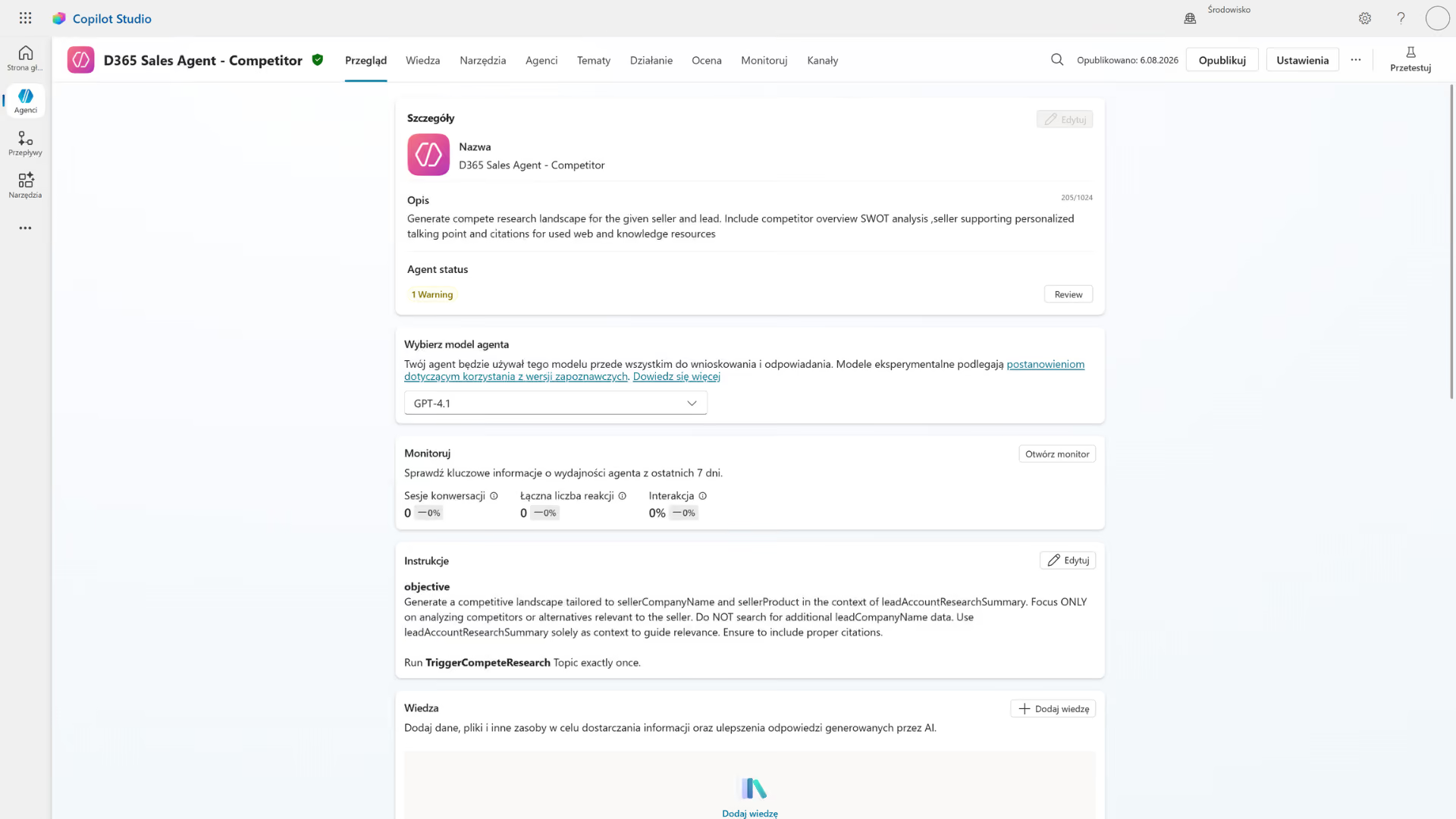
Tools Instead of Instructions
The agent reads the status, creates a record, or initiates an agreed-upon process.
Man in the Face of Risk
Approval safeguards financial, legal, and customer-related decisions.
Telemetry from Launch
Quality, errors, time, and cost are measured at the intent and outcome levels.
Governance at Scale
Environments, DLP, auditing, and roles guide the development of the agent portfolio.
Photos

See how it works

What Is a " Copilot Studio " in Enterprise Process Architecture?

Microsoft Copilot Studio is a low-code platform for building and managing AI agents and workflows that leverage an organization's data, tools, and channels.
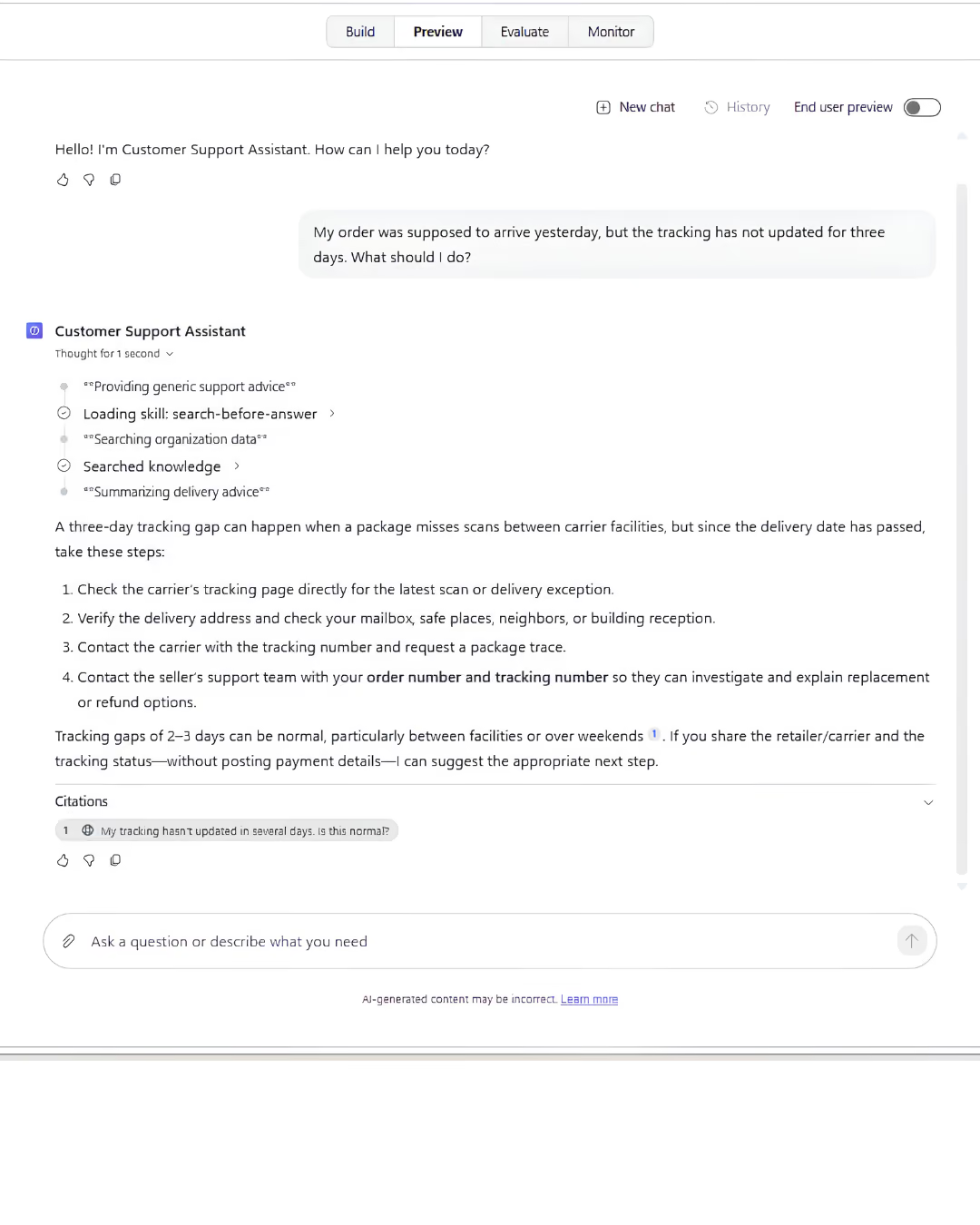
Knowledge and Consolidation
They link the answer to company sources to streamline the search and enable verification of the information.
Tools and Actions
They allow the agent to read data, create a record, or start a process instead of terminating at the statement.
Orchestration and Triggers
They tailor knowledge, topics, and tools to the user's goal or respond to a business event.
Channels and Analytics
They make the agent available in the workplace and measure usage, quality, performance, errors, and wear and tear.

Take a look inside

Where an AI agent shortens the path from question to result

The greatest value comes from frequent projects with a clear objective, reliable knowledge, and controlled execution—especially when they require multiple iterations today.

Sales, Marketing, and Customer Service
The agent supports product knowledge, leads, campaigns, the customer journey, case status, and self-service, and escalates exceptions to the appropriate role.
Finance, HR, and Back Office
It explains the rules, analyzes documents, processes applications, and initiates approvals, while maintaining the source, authorizations, and decision trail.
Operations, Manufacturing, and Service
It provides procedures, statuses, and asset context; responds to events; and triggers actions in ERP, CRM, or a service management system.
What We Optimize

What results have companies achieved by using Copilot Studio

-90%

time spent on manual research

67%

calls without a customer service representative

>95%

intention recognition

30x

lower cost of the alternative

FOR WHOM

For companies that want to move from conversations with AI to measurable actions

  • Users often look for answers in the same documents and systems, and each source has an owner, access permissions, and an update cycle.
  • A process begins with a question or an event and may end with a controlled action, but today it requires manual handoffs between several roles.
  • The company wants to scale its AI agents, but it needs a common architecture, testing, DLP, auditing, a cost model, and business outcome owners.

How We Implement

Copilot Studio : From Use Case to Measurable Results

Audit and Priority

We map out the task, knowledge, activities, risks, users, licenses, and KPI baselines. We define the scope with clearly defined boundaries of responsibility.

Implementation and Testing

We design instructions, sources, tools, triggers, roles, and channels. We test quality, security, exceptions, and escalation.

Optimization and Scale

We measure effectiveness, usage, time, cost, and errors. We update our knowledge, tests, and governance procedures before deploying additional agents.

Numbers, not slides

What Works for Customers Who Have Placed Their Trust in Us

End-to-end projects across various industries. The same Microsoft tools, different results—because each of our clients’ businesses is unique.

They've placed their trust in us

We save 20–30% of the time we spend on daily tasks—time that we used to waste searching for information.

Sławomir Wachowski
Director of the Automation Department
·
SECO/WARWICK Group
Let's talk about technology

Turn technology into results

Tell us what you want to improve. We'll show you how to use this technology to achieve a specific business outcome.