.svg)
240+
Salons covered by the launch of the global solution.
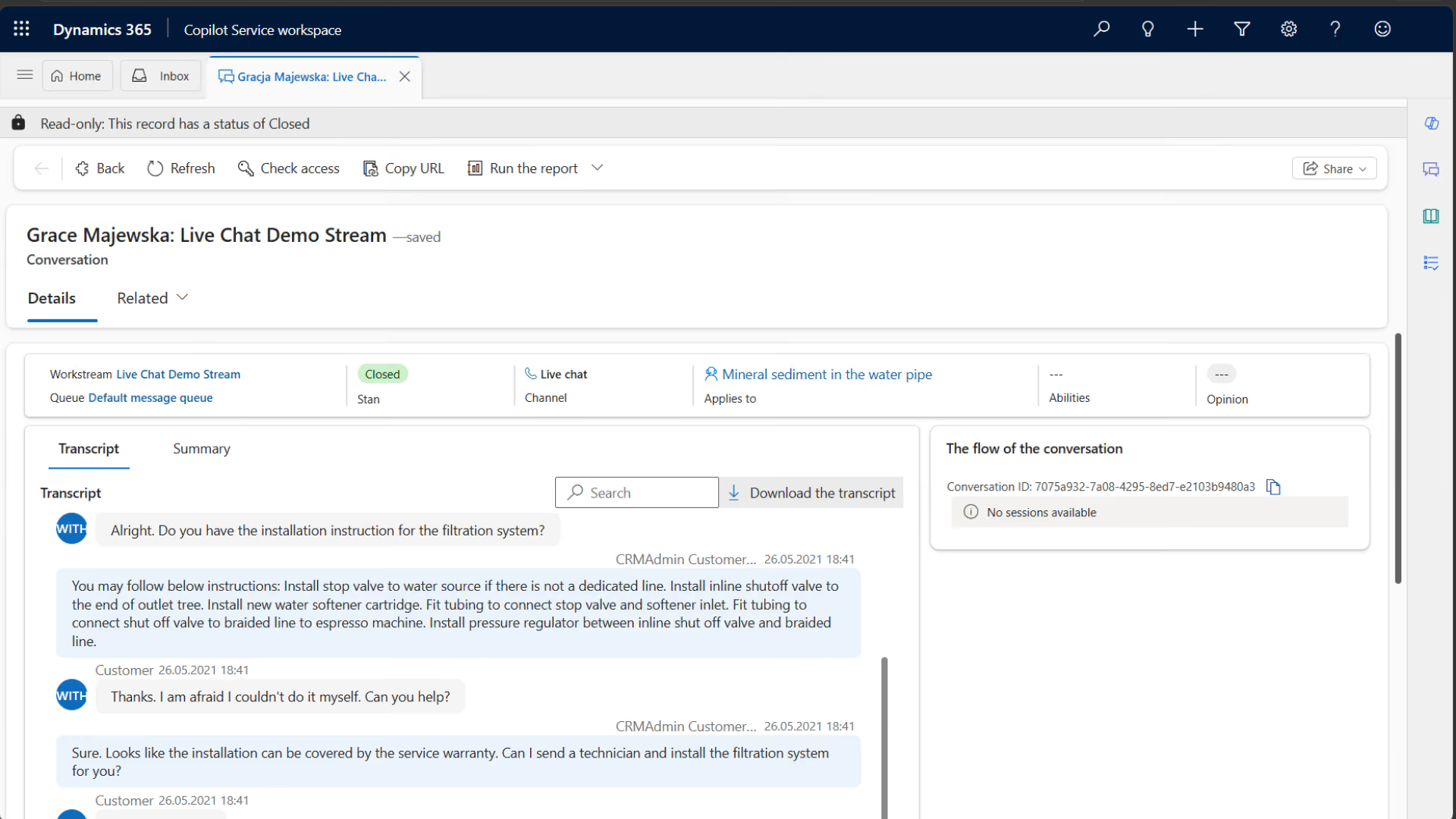
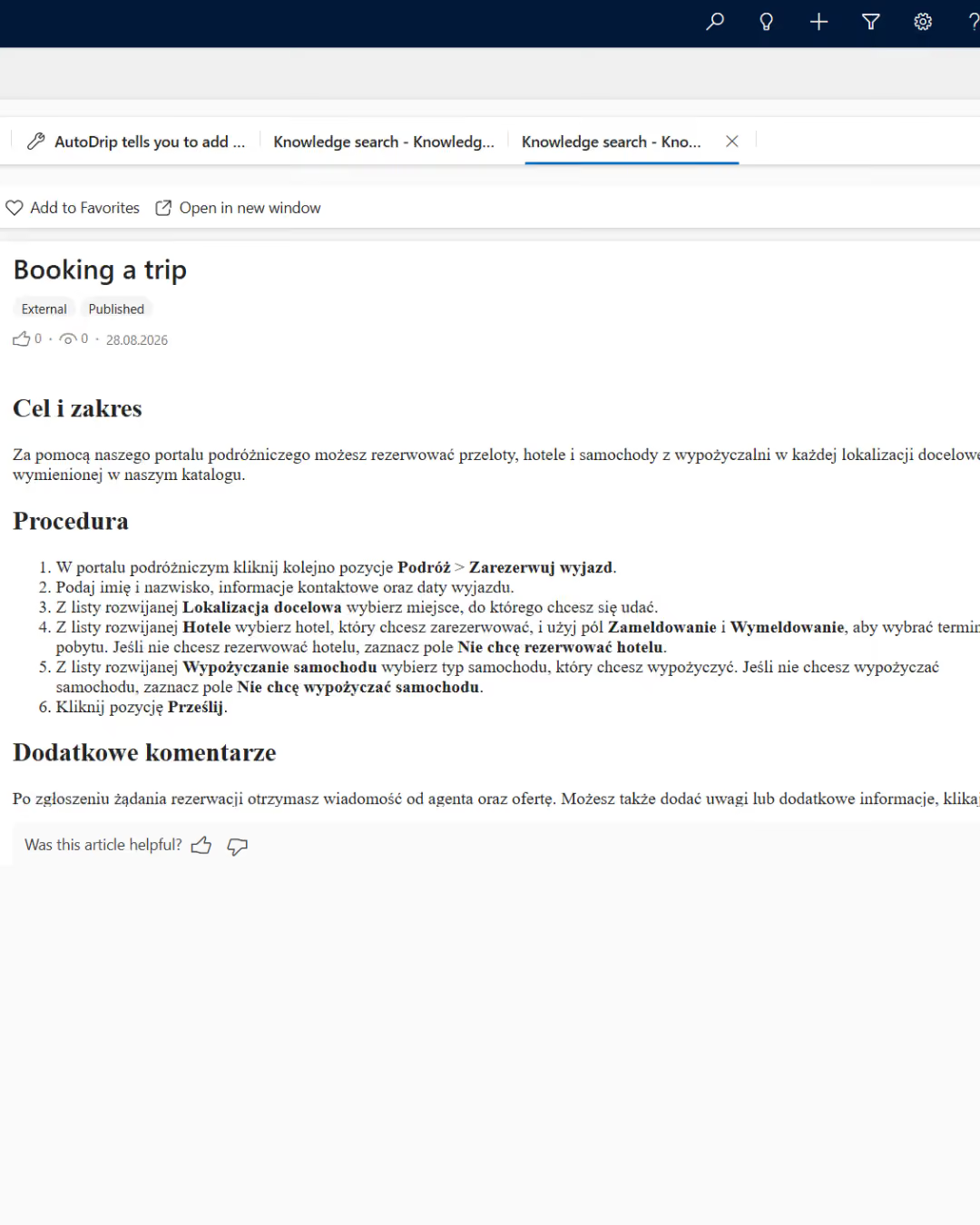
Dynamics 365 Customer Service is a CRM solution for managing tickets, knowledge, queues, and SLAs. We help you integrate service channels, automate cases, and reduce response times without losing customer context.


Reports are sent to multiple addresses and spreadsheets, so they don't have a single owner or priority, and the customer has to follow up again, which lengthens the queue.
The history of conversations and agreements isn't tracked in the case, so another person has to repeat the diagnosis, which increases the time needed to resolve the issue and the effort required of the client.
The lack of a shared timeline, priorities, and warnings means that escalation only occurs after a commitment to the customer has been breached.
The answers remain in the experts' notes and in their heads, so the quality is inconsistent, and it takes longer to train a new employee.
Each case is assigned a context, priority, owner, SLA, and next action. The insights and results are fed back into the process to handle future requests more quickly.
A ticket creates a case with the customer, channel, category, and full history.

The rules route work to the appropriate queue based on urgency, skill, and workload.
The consultant uses data, knowledge, and collaboration to address the root cause of the problem.
Results, time, cause, and knowledge bring the matter to a close and fuel improvement.
Customer Service outlines the responsibilities from the time a report is received until a confirmed resolution is reached.

The team uses approved responses, and leaders can see the reasons for delays and repeat contacts.
.avif)
.avif)
Dynamics 365 Customer Service combines cases, queues, SLAs, knowledge, and customer data so that your team can resolve issues consistently and learn from every interaction.
.avif)
A customer issue often involves sales, payments, delivery, or a product. Value increases when departments work within a shared context and clearly define responsibilities.
-20–30%
less time spent looking for information
49→87%
cases resolved within 14 days
550 hours per month
savings on call summaries
+20%
higher contact deflection

We map out case types, channels, SLAs, roles, queues, knowledge, data, and integrations. We establish a baseline, the scope of the pilot, and the owners.
We configure cases, routing, SLAs, knowledge bases, automations, and reports. We migrate data, test roles, and train the team.
We measure time, FCR, SLA, backlog, quality, and adoption. We eliminate friction and develop self-service, integrations, and controlled AI scenarios.
End-to-end projects across various industries. The same Microsoft tools, different results—because each of our clients’ businesses is unique.
Salons covered by the launch of the global solution.
Shared data on customers, products, services and price lists.
Shorter turnaround time for service requests.
Common sales and reporting model.
Shorter offer preparation time.
Shared customer data, offers and service requests.
Complete customer view for sales teams.
Shorter offer preparation time.

“
We save 20–30% of the time spent on daily tasks—time that we used to waste searching for information.
”

Tell us what you want to improve. We'll show you how to use this technology to achieve a specific business outcome.