.svg)
240+
Salons covered by the launch of the global solution.
Dynamics 365 Real Estate is a CRM solution for real estate development companies that integrates property listings, customers, and sales. We help you organize your projects, reservations, and communication—from the initial contact through to the handover of the property.


Inquiries, properties, contracts, and payments are managed in different systems, which is why customer service takes longer and it is difficult to assess the return on investment.
Inquiries come in from various websites, forms, and campaigns, so sales representatives respond later and are unaware of the customer's previous interactions.
Apartment availability is updated in several files, which means that the sales team is working with outdated status information and may list the same unit multiple times.
Claims filed after acceptance are not linked to the customer, the premises, or the project; therefore, liability is unclear, and resolving the issue takes longer.
D365 Real Estate integrates lead sources, investment data, property listings, contracts, payments, the customer portal, and post-sale support.
A lead is added to the CRM along with its source, level of interest, and communication history.

The sales representative works based on current availability, prices, and the investment structure.
Reservations, documents, and payments go through controlled stages of the process.
Acceptance, defects, and reports are linked to the customer and the location.
The team guides the client from the initial inquiry through to the contract, using up-to-date information on investments, properties, and payments.

After signing the contract, the customer continues to benefit from organized communication, documentation, and ticket handling.
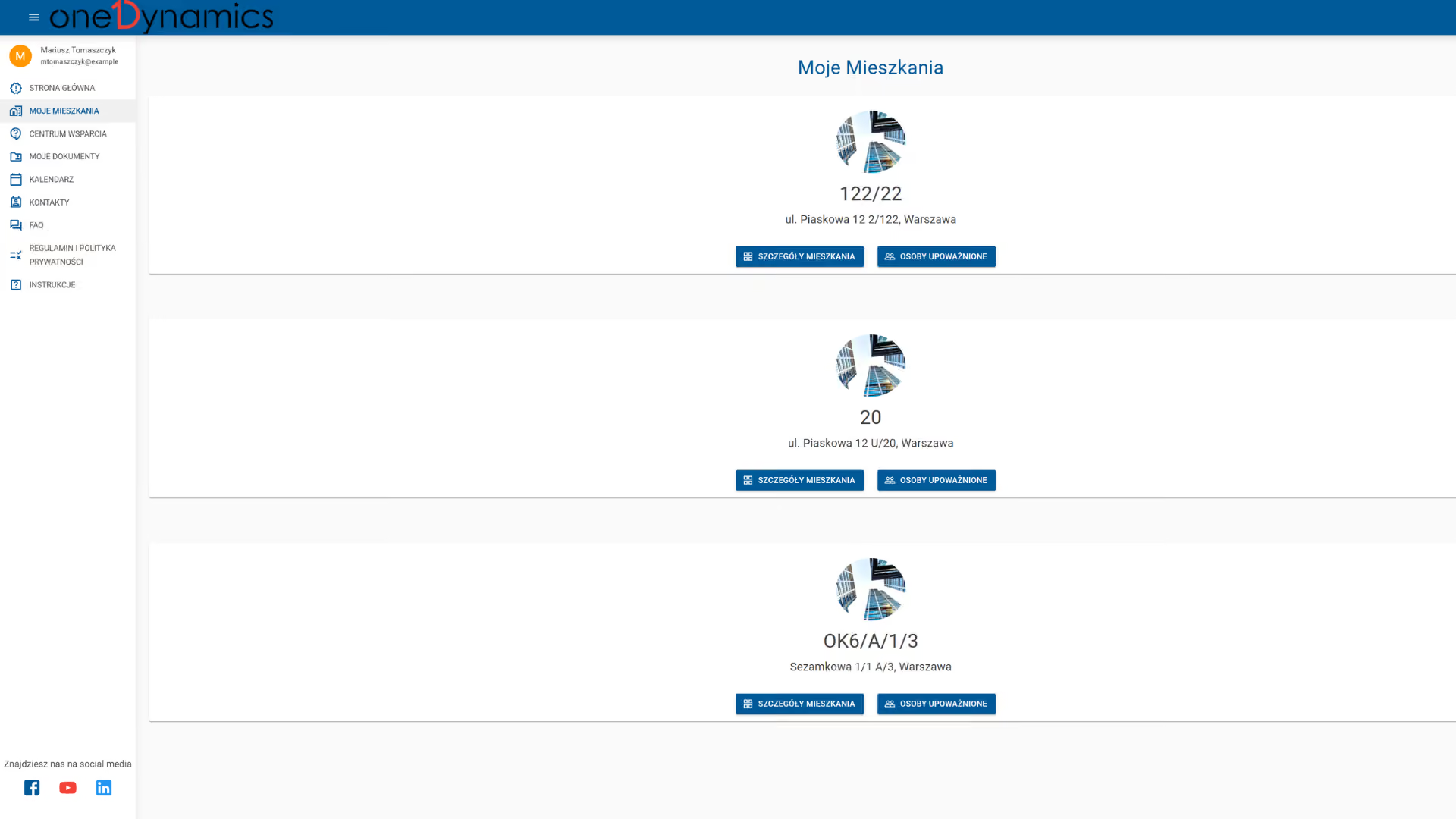

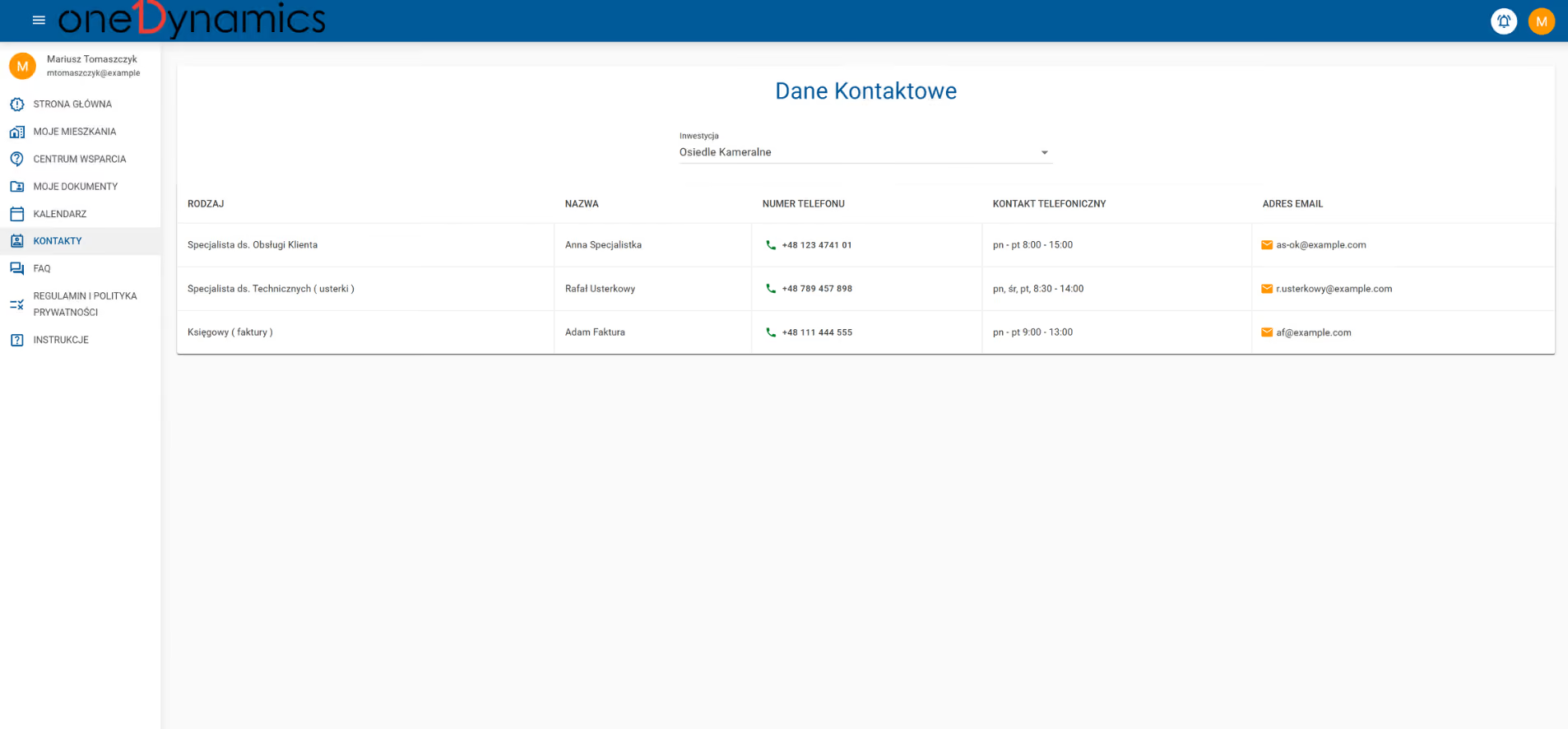
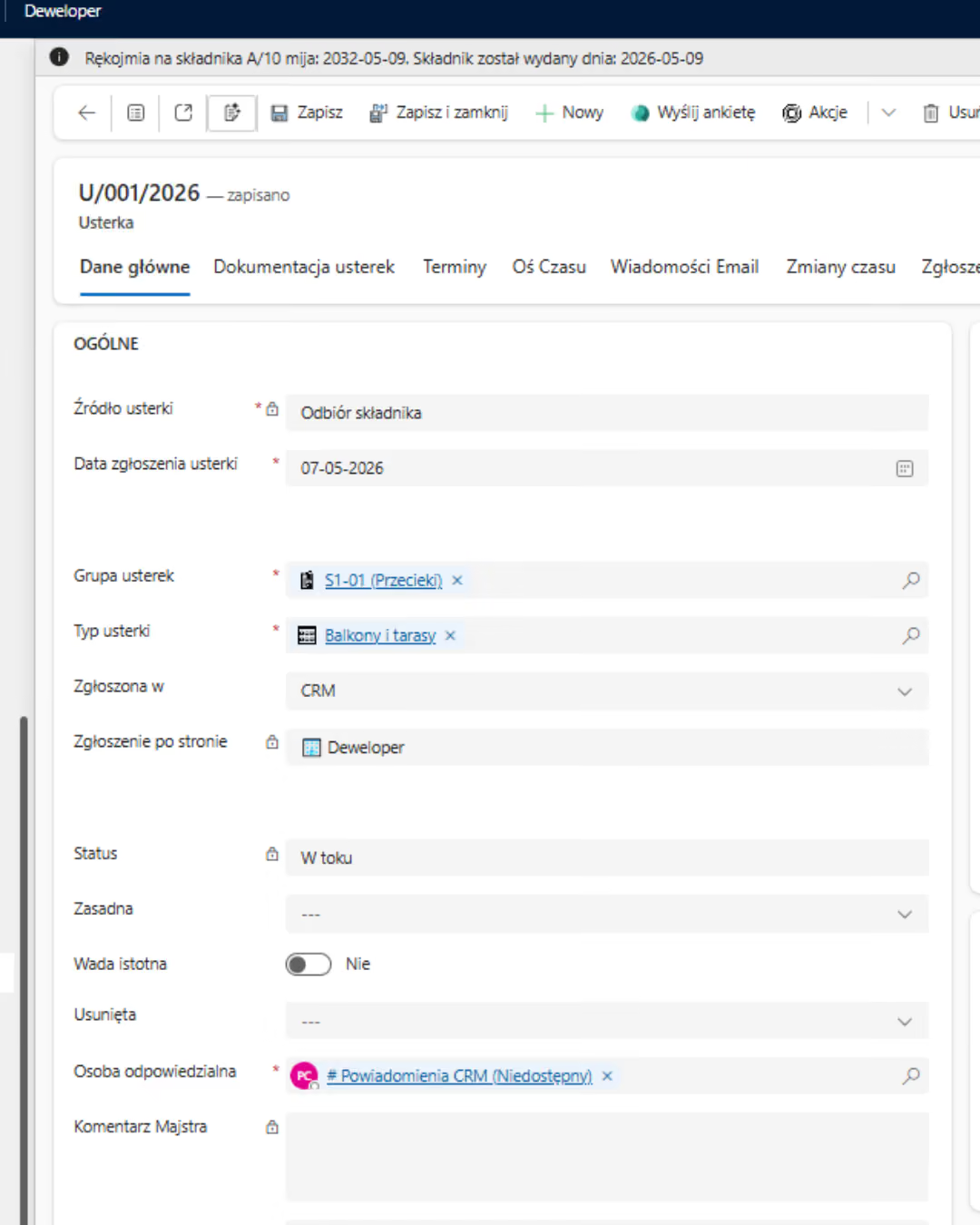
D365 Real Estate is an industry-specific CRM system for real estate developers, based on Dynamics 365. It integrates sales, investments, a customer portal, and after-sales service.
D365 Real Estate organizes three related areas of the development process, ensuring a unified view of the customer, the property, documents, and payments.
2×
greater operational efficiency
3–5 days
less work involved in processing the application
5–10 min
saved during contact
3 hours
processing the case instead of 15 days

We map out lead sources, investment structures, property statuses, contracts, payments, acceptance procedures, reports, and systems requiring integration.
We configure processes, roles, the portal, and integrations; migrate data; and test the solution on a selected project or team.
We measure conversion rates, processing time, and data quality, and then expand the system to include additional investments, companies, and processes.
End-to-end projects across various industries. The same Microsoft tools, different results—because each of our clients’ businesses is unique.
Salons covered by the launch of the global solution.
Shared data on customers, products, services and price lists.
Shorter turnaround time for service requests.
Common sales and reporting model.
Shorter offer preparation time.
Shared customer data, offers and service requests.
Complete customer view for sales teams.
Shorter offer preparation time.

“
Documentation used to take up a lot of time. Now we can prepare it much faster. Customer data is available immediately, and internal communication has never been smoother.
”

Tell us what you want to improve. We'll show you how to use this technology to achieve a specific business outcome.