.svg)
240+
Salons covered by the launch of the global solution.
Microsoft Power Apps lets you quickly build low-code business applications connected to your company’s data and processes. We help you replace spreadsheets and manual tools with secure applications that can scale as your organization grows.


Employees copy data between email, Excel, and instant messaging apps, so the status is out of date and it’s difficult to determine who is responsible.
A paper form or file is entered into the system with a delay, causing operations to respond to past events rather than current ones.
The standard system does not support local needs, and upgrading the legacy system takes too long, so the team continues to rely on manual workarounds.
Without clear ownership, governance, DLP, and ALM, rapid prototypes pose risks to security, business continuity, and maintenance costs.
Power Apps It combines data, rules, automation, and user input. Implementation begins with the process outcome and ends with adoption, monitoring, and iteration.
We select the process, user, decision, KPI baseline, and scope of the first version.

We design data sources, Dataverse, integrations, roles, validations, and access policies.
We develop workflows, automation, tests, and deployment through controlled environments.
We measure usage, errors, process time, and impact, and we prioritize the backlog based on value.
The user performs the task in a single run, using the correct device and data.

Environments, roles, data, and deployments enable the development of applications without shadow IT.
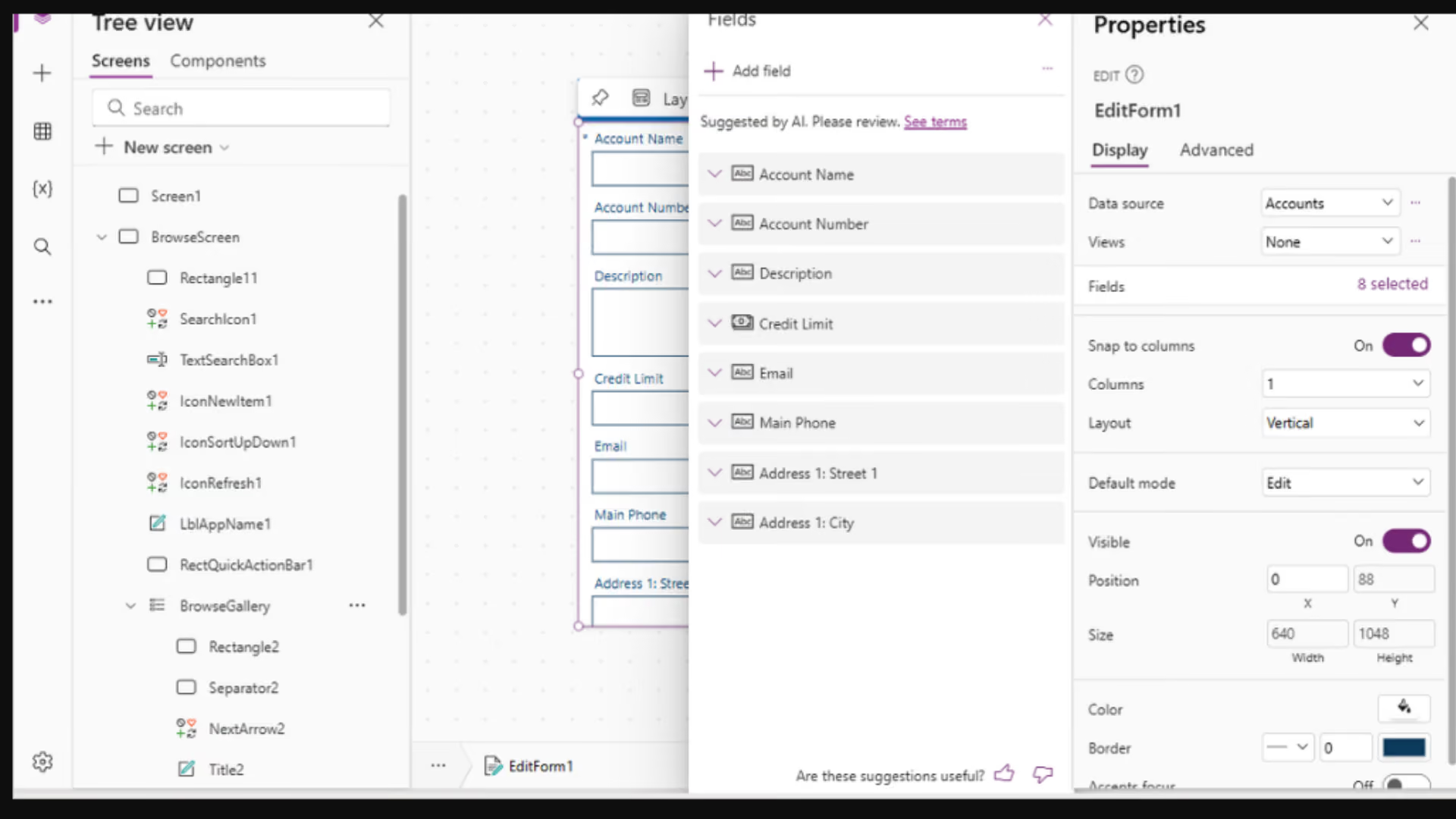
.avif)
.avif)
Power Apps It is Microsoft's low-code platform for building canvas and model-driven applications that combine data, logic, automation, and user experience.
.avif)
The greatest value is created by frequent, variable, and distributed processes in which data must be generated at the user’s end and then transferred to a CRM, ERP, or data platform.
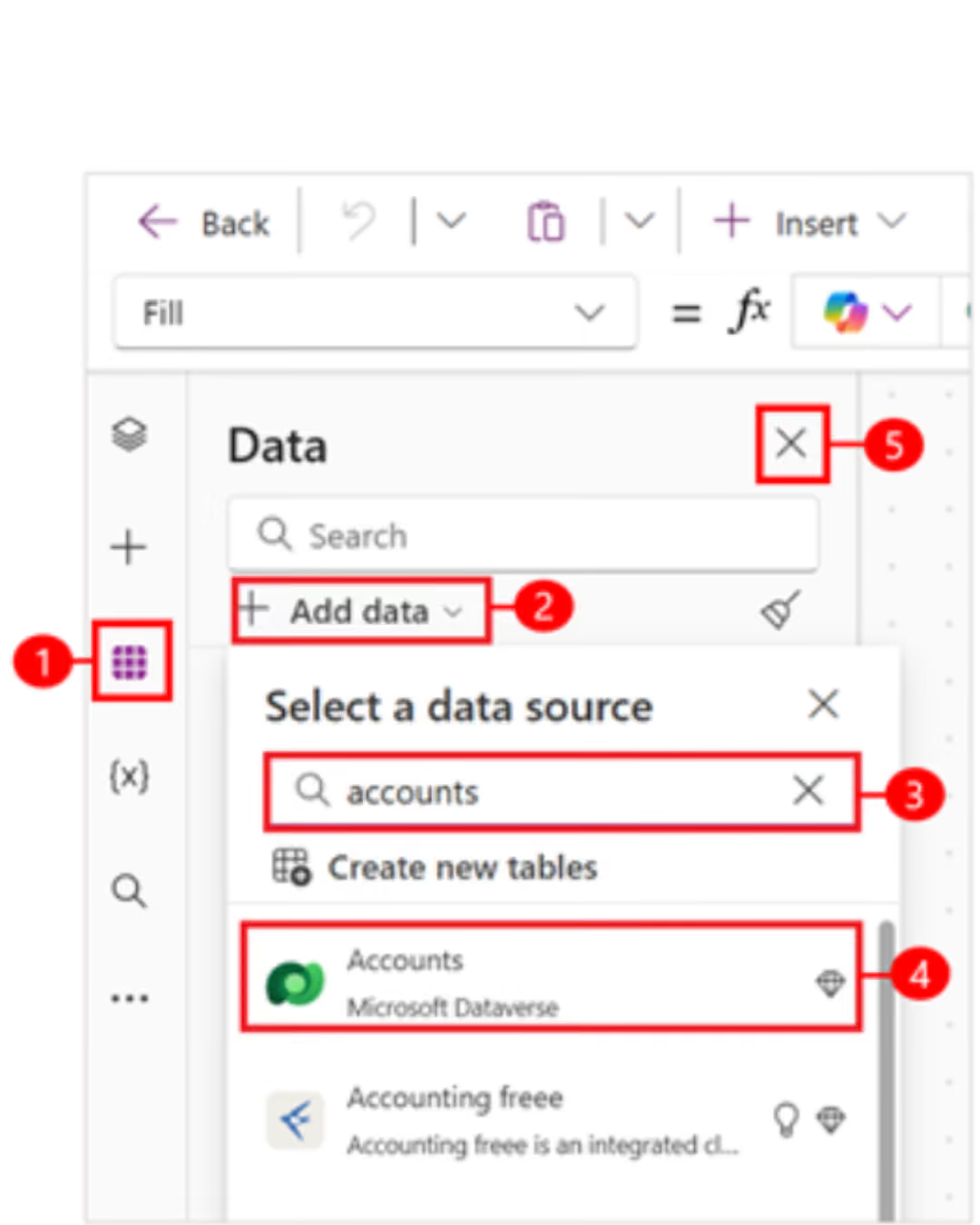
-75%
process processing time
400 hours/month
recovered work time
>90%
application adoption
15,000 hours per year
time savings for the team

We map users, steps, exceptions, sources, risks, licenses, and baseline KPIs. We select a scope that can be safely tested.
We design data, applications, automation, roles, environments, and ALM. We test scenarios, migrate data, provide training, and launch production.
We measure usage, performance, errors, and the impact of the process. We develop the backlog, eliminate workarounds, and scale governance to additional applications.
End-to-end projects across various industries. The same Microsoft tools, different results—because each of our clients’ businesses is unique.
Salons covered by the launch of the global solution.
Shared data on customers, products, services and price lists.
Shorter turnaround time for service requests.
Common sales and reporting model.
Shorter offer preparation time.
Shared customer data, offers and service requests.
Complete customer view for sales teams.
Shorter offer preparation time.

“
We save 20–30% of the time we spend on daily tasks—time that we used to waste searching for information.
”

Tell us what you want to improve. We'll show you how to use this technology to achieve a specific business outcome.