.svg)
240+
Salons covered by the launch of the global solution.
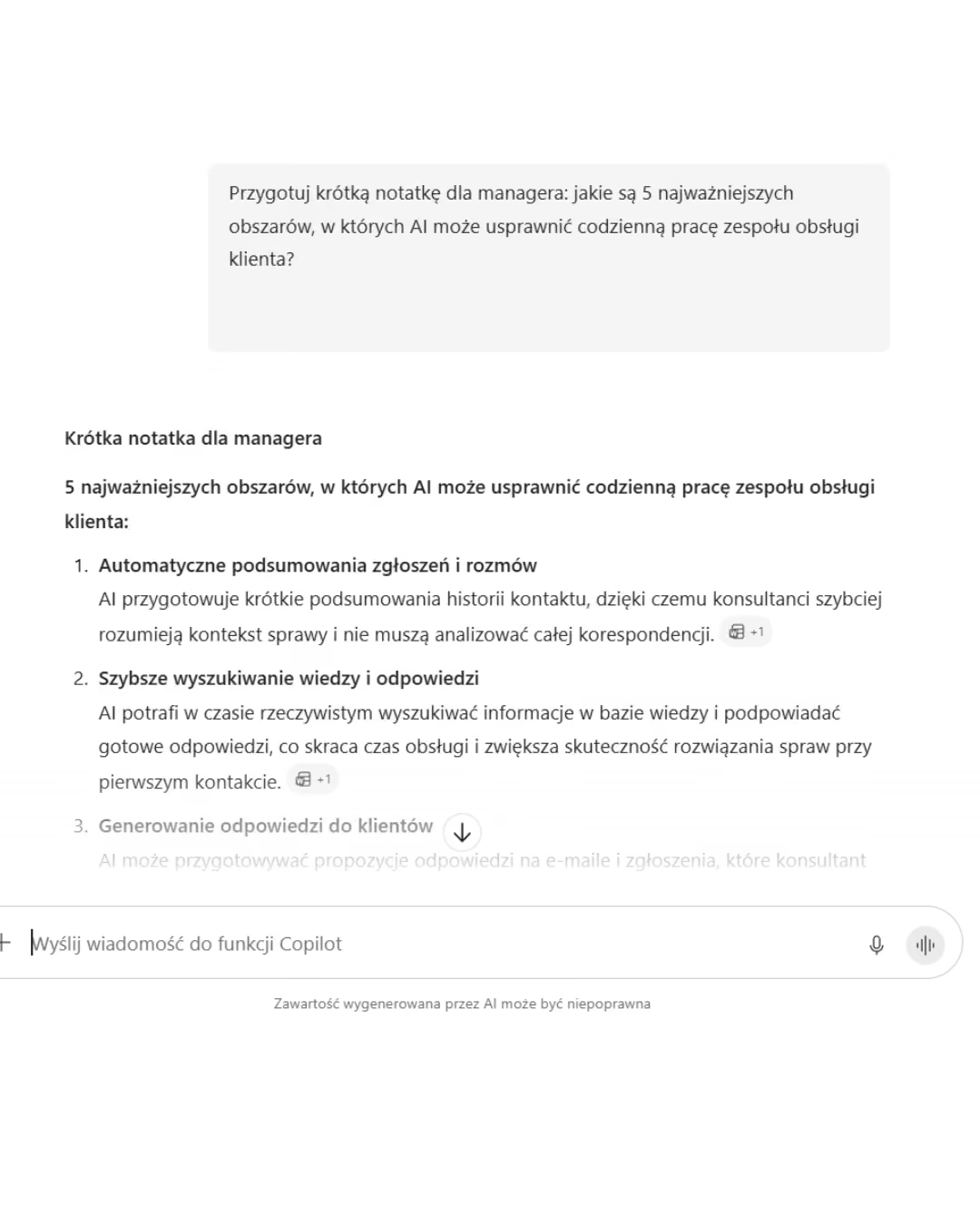
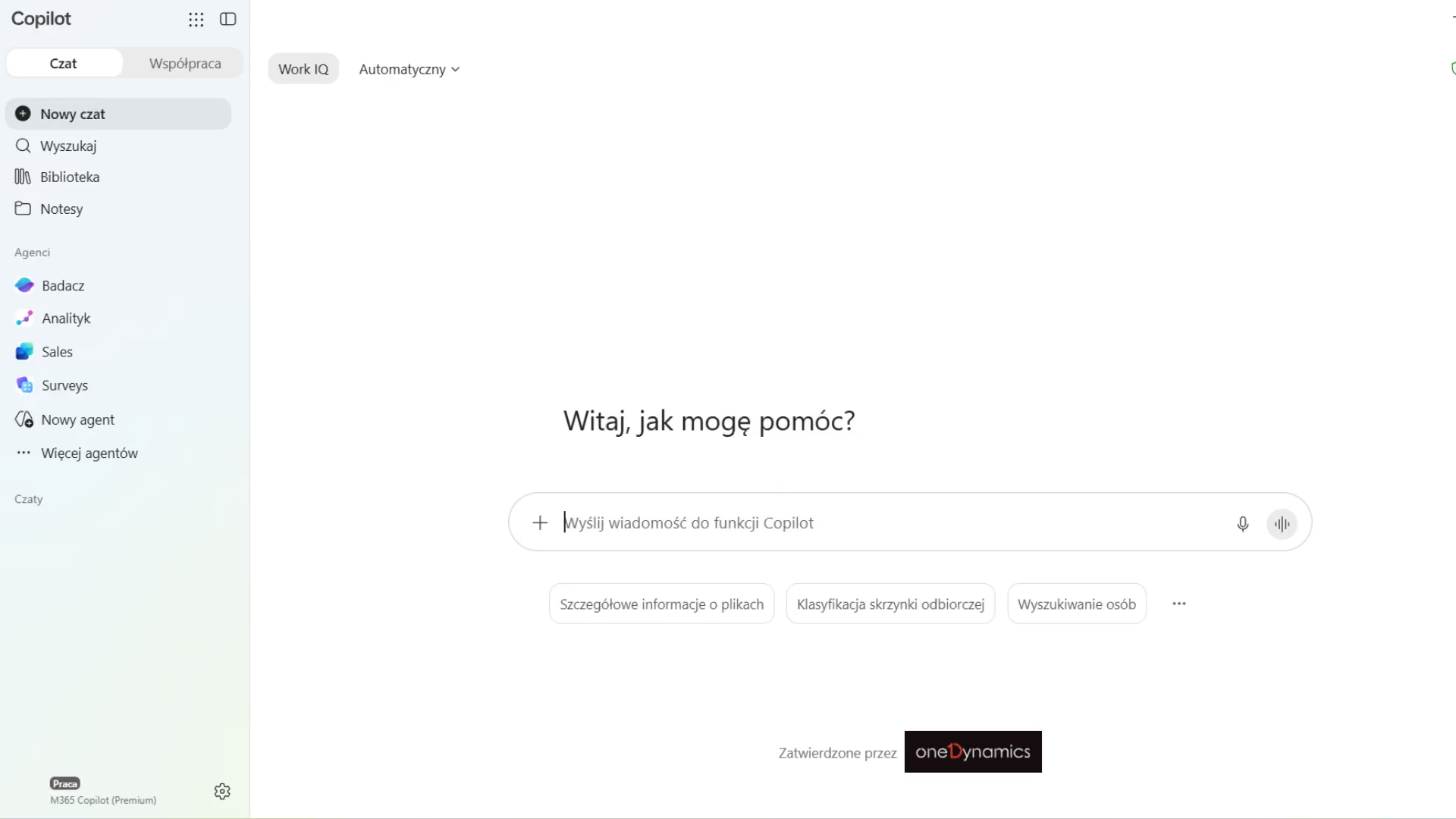
Microsoft 365 Copilot We use AI in Word, Excel, PowerPoint, Outlook, and Teams to work with the organization’s data. We help prepare the environment and users to safely increase productivity.


Information is scattered across inboxes, meetings, chats, and documents, so every task begins with manually gathering data.
Decisions and tasks are recorded in various people's notes, so tasks are overlooked, duplicated, or completed after the deadline.
Proposals, reports, and presentations are created manually from existing materials, which lengthens the process and increases the risk of inconsistent messaging.
Without scenarios, training, or metrics, users test AI haphazardly, and the organization is unable to demonstrate a return on investment.
Microsoft 365 Copilot It uses the data available to the user in Microsoft 365. When implemented correctly, it shortens the path from a question to a verified result.
Check the permissions, redundant shares, and sources required for the selected scenarios.

Identify the recurring tasks, their owners, the baseline time, and the expected outcome.
Train a group of users and integrate Copilot into specific work routines.
Monitor usage, duration, quality, and impact on the process before expanding your license.
Copilot reduces the time needed to gather context, prepare a first draft, and summarize the collaboration.

Responses draw on content available to the user, and agents expand Copilot with processes and additional sources.
.avif)
.avif)
.avif)
It is an AI assistant embedded in Microsoft 365 that combines language models with the user's work context, applications, and the organization's authorized data.
.avif)
Value is created where employees regularly search for information, prepare content, analyze data, and provide context across teams.
80%
shorter response time for quotes
4 hours per week
time saved per person
8.3 hours per month
time saved per employee
10,6%
increased productivity among heavy users

We evaluate permissions, security, licenses, and tasks where Copilot can have a measurable impact.
We set up the environment, train selected roles, and integrate Copilot into real-world work processes.
We analyze usage, timing, and the quality of results, and expand deployment once we’ve confirmed its value.
End-to-end projects across various industries. The same Microsoft tools, different results—because each of our clients’ businesses is unique.
Salons covered by the launch of the global solution.
Shared data on customers, products, services and price lists.
Shorter turnaround time for service requests.
Common sales and reporting model.
Shorter offer preparation time.
Shared customer data, offers and service requests.
Complete customer view for sales teams.
Shorter offer preparation time.

“
Our employees can now check data in public records directly in Dynamics 365 Sales. This allows us to save nearly 40% of the time we previously spent verifying information.
”

Tell us what you want to improve. We'll show you how to use this technology to achieve a specific business outcome.