Copilot for Sales

Copilot for Sales It integrates AI with CRM data in Outlook, Teams, and Microsoft 365 apps. We help implement scenarios that reduce data entry, prepare salespeople for meetings, and accelerate sales.


Sales accelerate when customer context and CRM updates are part of the same workflow.
90 min
weekly savings
83%
higher productivity
67%
more time for customers
The Challenge

Salespeople have the data, but they waste time trying to gather the full context

The context is scattered

Emails, meetings, and CRM systems each provide a separate view of the customer, so salespeople have to piece together the customer’s history before a call, and sales data remains incomplete.

CRM Updated Late

Notes and activities are entered into the CRM with a delay, so the forecast is based on incomplete data, and the manager reacts too late.

The follow-up loses its context

Information is scattered across Outlook, Teams, and CRM, so the response either fails to address the customer's needs or doesn't translate into a specific task.

Knowledge stays with the salesperson

The history of the relationship is not systematically recorded, so a change in the mentor results in a loss of context and a delay in seizing the opportunity.

How It Works

From CRM data to the next sales action

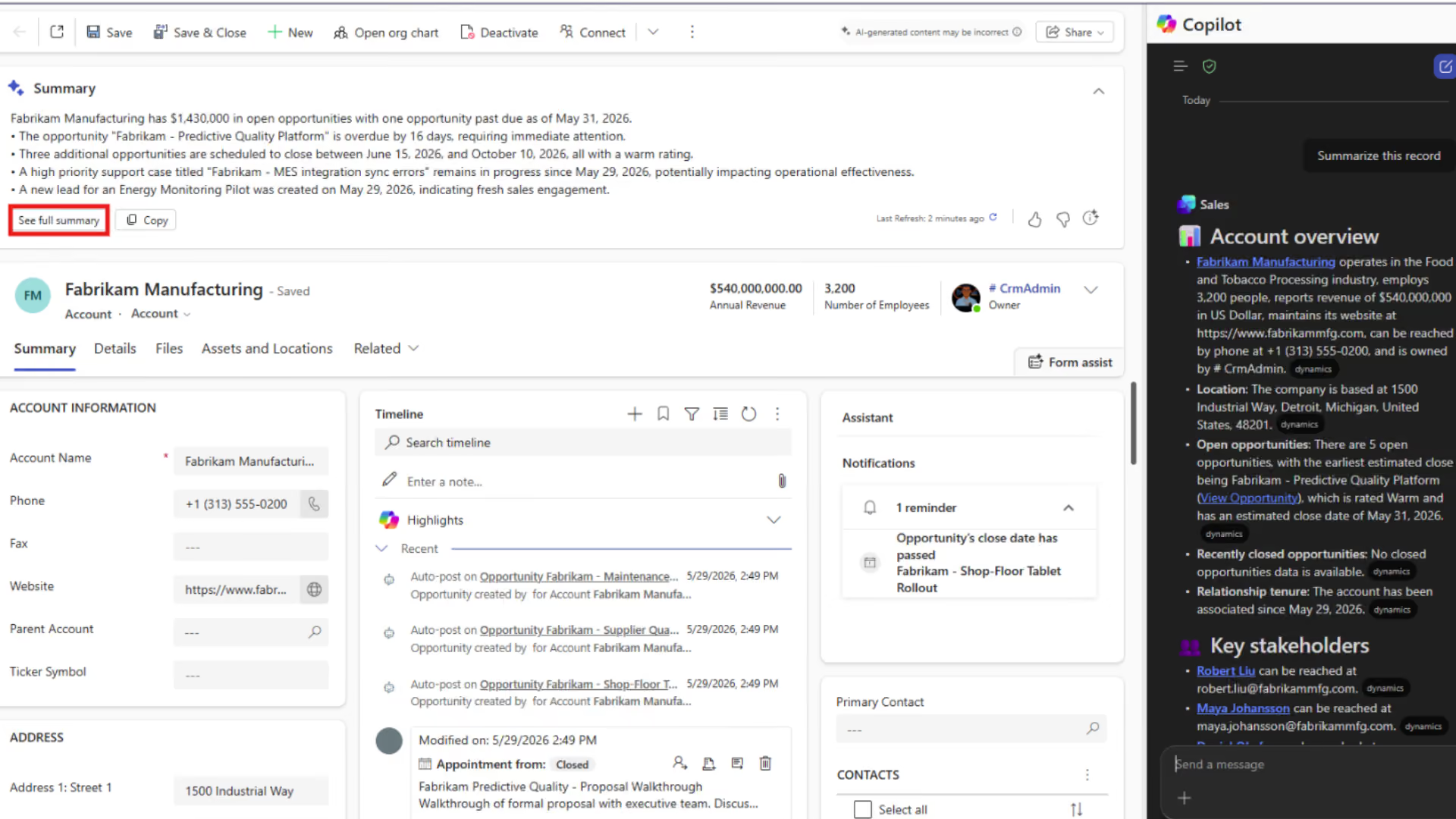
Copilot for Sales It integrates context from CRM, Outlook, and Teams. The team receives a summary, prepares communications, logs activities, and updates the opportunity.

01

Combine the data

We connect Dynamics 365 Sales or Salesforce to Microsoft 365 accounts and the appropriate roles.

02

Set the context

Copilot compiles the customer's history, opportunities, emails, meetings, and available documents.

03

Take action

The sales representative prepares for a call, a message, a follow-up, and the next step with full context.

04

Save the result

Appointments, contacts, notes, and tasks are synced back to the CRM, improving data quality.

THE LOOP CLOSES WITH DATA
Pillars

Copilot for Sales's two pillars: productivity and reliable CRM data

More time for sales and relationships

AI organizes the context and prepares working materials, while the sales representative retains responsibility for the decision.

Background leading up to the meeting
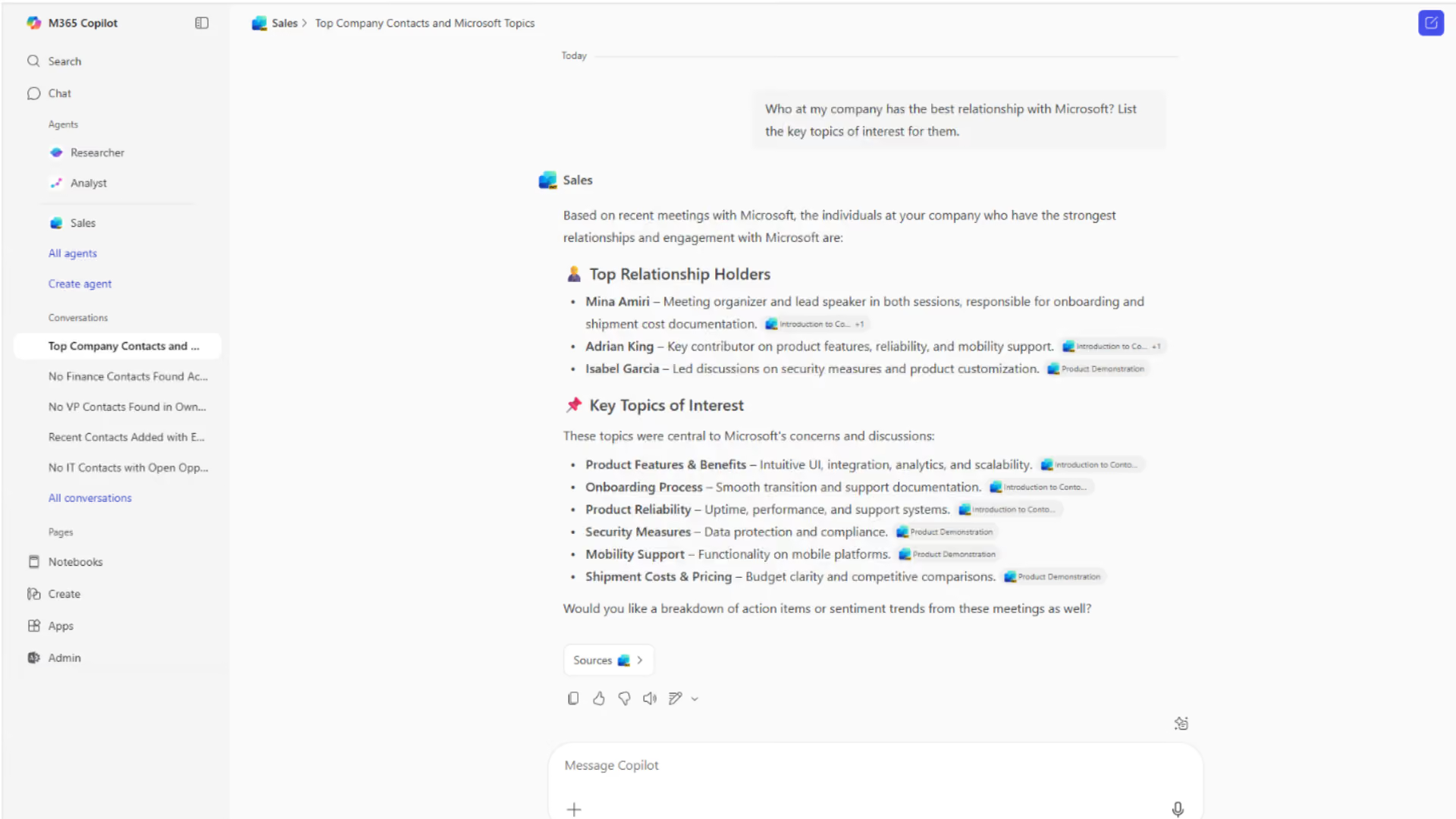
The most important contacts, activities, and risks are compiled before the meeting.
Summary of Correspondence
Long email threads are condensed into key points, questions, and next steps.
Personalized follow-up
The draft message includes the opportunity, the client, and the details of the last conversation.
Working Together for Opportunity
The team shares records, files, and transaction context in Microsoft Teams.

Keep your CRM up to date without interrupting your work

Activities and decisions are entered into the system as they occur, minimizing backlogs and gaps in the pipeline.
Contacts Without Re-entering
New contact information can be linked to the appropriate CRM record.
Notes After the Meeting
Findings and tasks are recorded without replaying the conversation.
An Opportunity with a Rich History
The manager can see current interactions, the next step, and the customer's context.
Data Access Control
The responses comply with Microsoft 365 and integrated CRM permissions.
Photos

See how it works

What Is a " Copilot for Sales " and a "Current Sales Agent"?

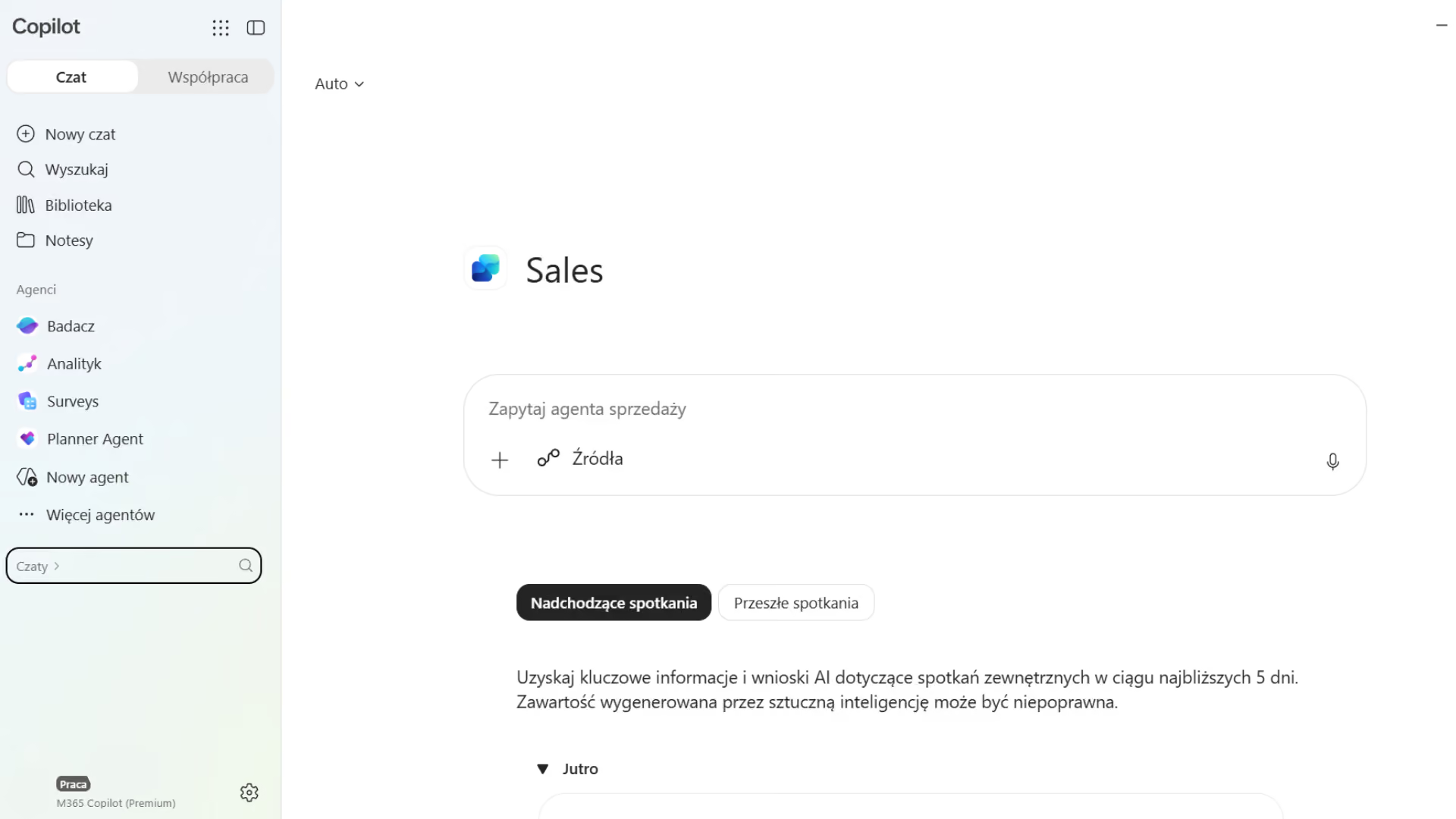
Copilot for Sales, currently being developed as a sales agent, integrates CRM data with Microsoft 365 to support salespeople in Outlook, Teams, and their day-to-day sales process.

Preparing for Meetings
It compiles customer data, relationship history, and opportunity information before the call.
Sales Reports
It extracts findings, questions, tasks, and buying signals from messages and meetings.
Developing Communication
It generates draft emails and follow-ups based on customer and opportunity data.
CRM Update During Work
It helps you save contacts, activities, notes, and tasks without switching apps.

Take a look inside

How Copilot for Sales Improves the Quality of Decisions and Data

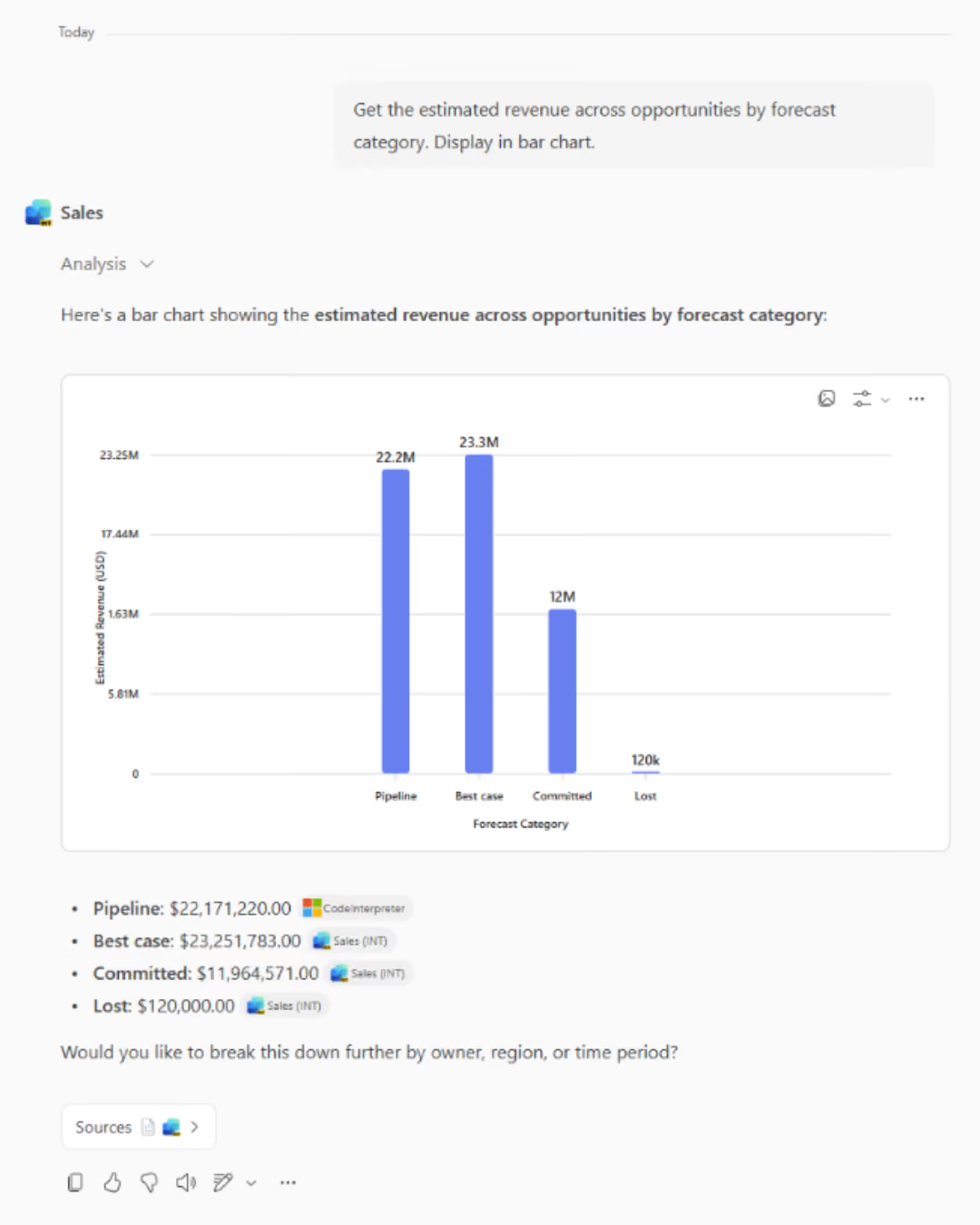
It creates the most value in complex sales, where the sales cycle is long, many stakeholders are involved in the decision, and knowledge about the customer is scattered.
Sales and Business Development
It speeds up research, meeting preparation, follow-ups, opportunity management, and CRM updates in B2B sales.
Marketing and Customer Service
It provides the sales team with the context of the campaign and the history of the relationship, and makes it easier for customer service representatives to take over the case without losing track of previous arrangements.
Finance, Operations, and Production
It provides salespeople with the right context regarding offers, terms, fulfillment, and risks when the data is available in CRM and Microsoft 365.
What We Optimize

What results have companies achieved by using Copilot for Sales

~2 hours/week

time saved by the seller

69%

better-quality offers and better chances of winning

14,000 h

Estimated time saved annually

30–90 seconds

less time spent on email

FOR WHOM

When Is There a Business Case for Implementing Copilot for Sales ?

  • Salespeople work in Outlook and Teams, but customer data is stored in the CRM, so preparing for a call and updating a sales opportunity require switching between applications.
  • The sales cycle is long, and a single opportunity involves many stakeholders, documents, meetings, and messages that are difficult to analyze quickly.
  • The CRM system has been implemented, but activities, notes, and next steps are updated irregularly, which compromises the reliability of the pipeline and forecast.
How We Implement

Copilot for Sales : From CRM Implementation to Team Adoption

Process and Data Audit

We map roles, the sales process, CRM quality, context sources, permissions, use cases, and baseline KPIs.

Setup and Pilot Program

We integrate CRM with Microsoft 365, configure roles and the scope of data, and then test the solution on a representative group.

Adoption and Optimization

We measure usage, time, CRM quality, and sales results. We develop prompts, work standards, training materials, and a backlog of future scenarios.

Numbers, not slides

What Works for Customers Who Have Placed Their Trust in Us

End-to-end projects across various industries. The same Microsoft tools, different results—because each of our clients’ businesses is unique.

They've placed their trust in us

Our employees can now check data in public records directly in Dynamics 365 Sales. This allows us to save nearly 40% of the time we previously spent verifying information.

Krzysztof Sanecki
Vice President of the Board of Directors
·
STERNET
Let's talk about technology

Turn technology into results

Tell us what you want to improve. We'll show you how to use this technology to achieve a specific business outcome.