Field Service

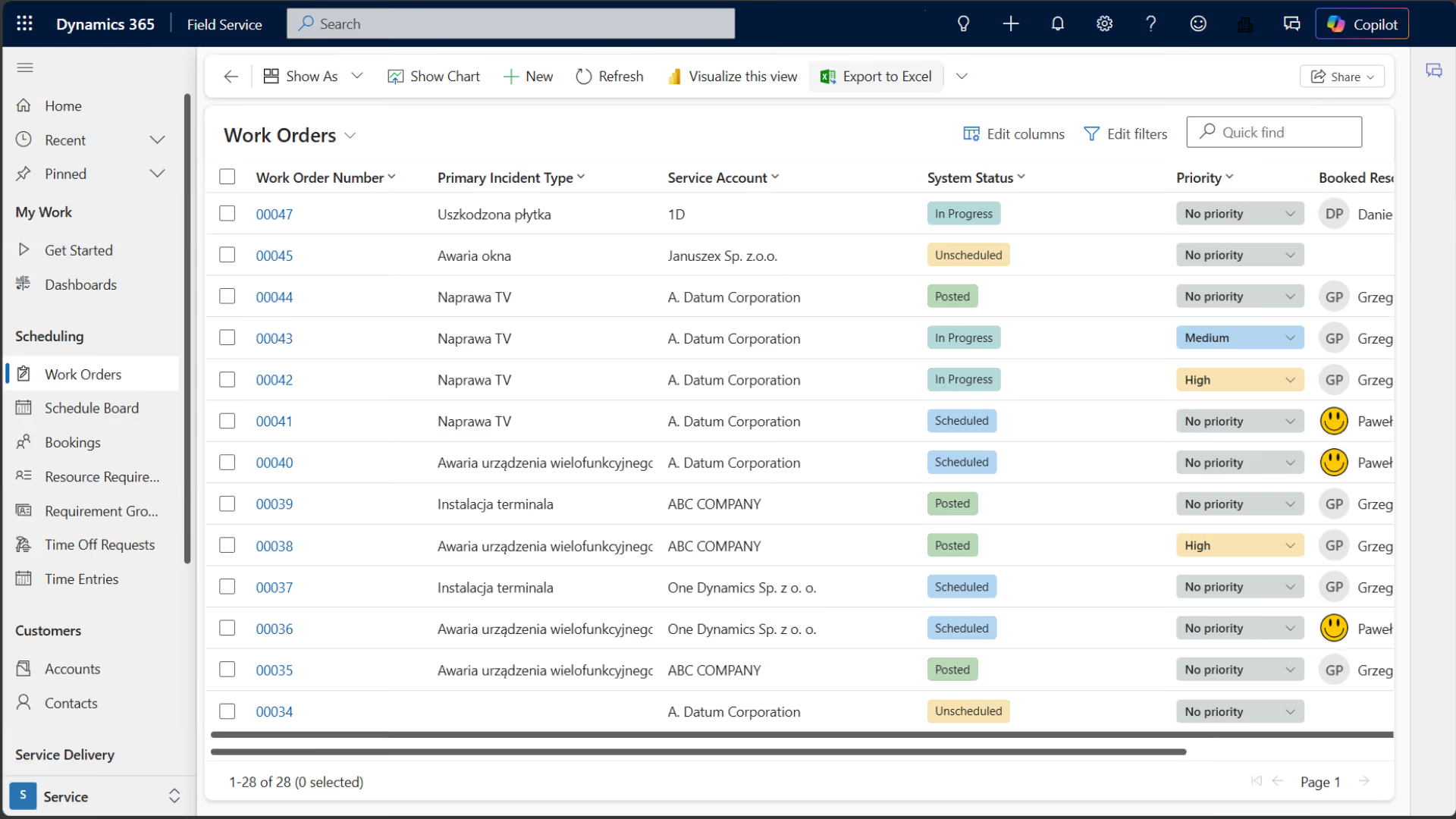
Dynamics 365 Field Service is a system for managing work orders, technicians, schedules, and field assets. We help automate service operations, reduce downtime, and increase the number of repairs completed on the first visit.


A unified Field Service scales mobile operations and automates the order flow.
14%
more efficient technicians
40%
more efficient dispatchers
10%
less time on the road
The Challenge

A service loses its margin when orders and resources do not form a single process

The plan is based on phones

The dispatcher cannot see the current skill sets, locations, and workload, so travel times, scheduling conflicts, and the cost of the job all increase.

The technician is going without context

Device history, manuals, and parts are stored in several different systems, which is why the first visit often results in a diagnosis rather than a repair, leading to a lower first-time fix rate.

The status is returned with a delay

Time, materials, and results are reported upon return, so the client is unaware of the progress, operations aren't responding, and invoicing is on hold.

Inspections Prevent Breakdowns

Scheduled maintenance is not driven by contracts, the history, or the condition of the assets; as a result, the proportion of emergency interventions, downtime, and costs is increasing.

How It Works

From submission to settlement in a single cycle for a field order

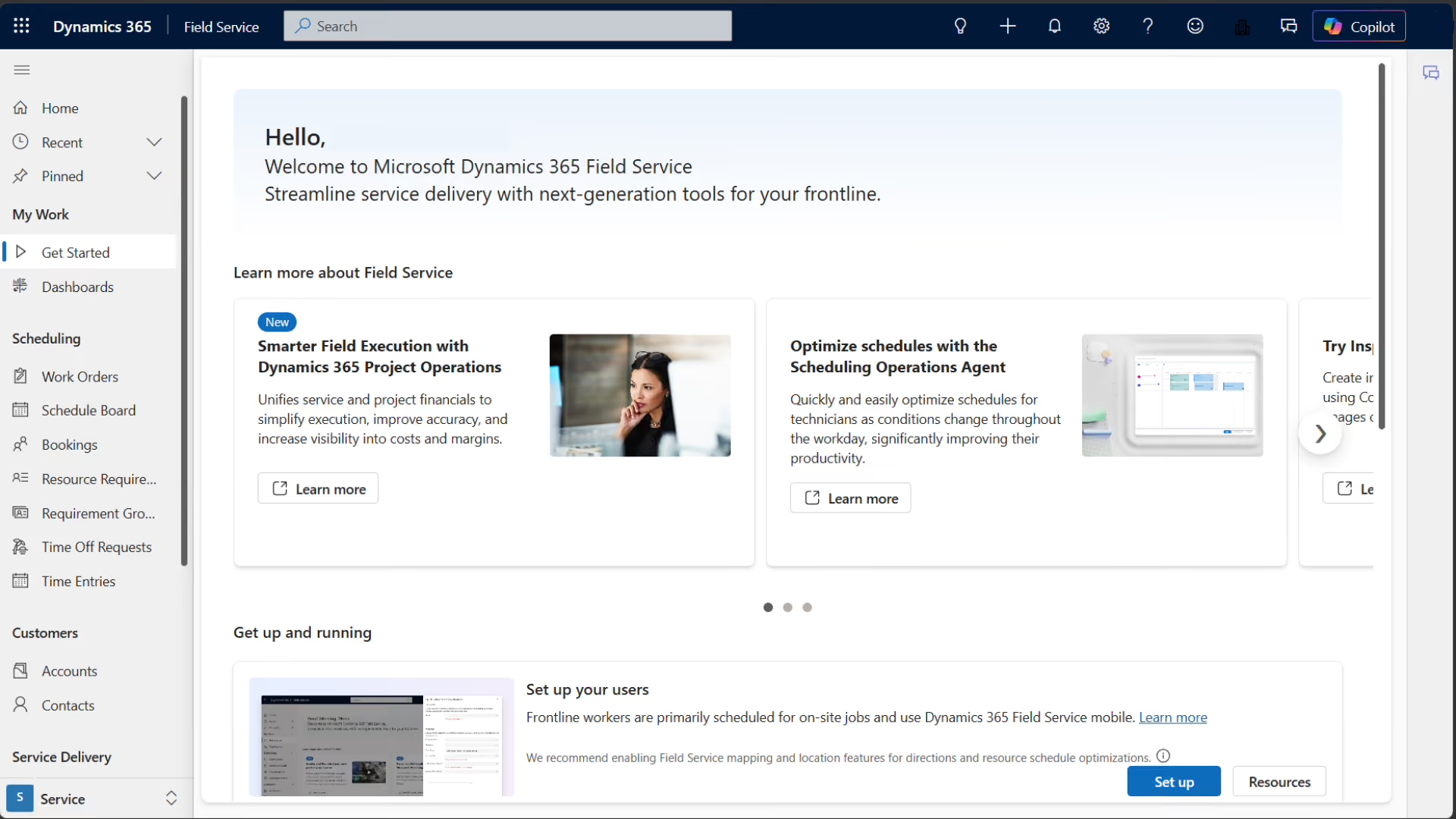
Field Service converts a request into a work order, allocates resources, manages the mobile execution of the task, and forwards the results to the client, analytics, the warehouse, and finance.

01

Qualification

A ticket creates a work order with a priority, SLA, asset, tasks, and parts.

02

Planning

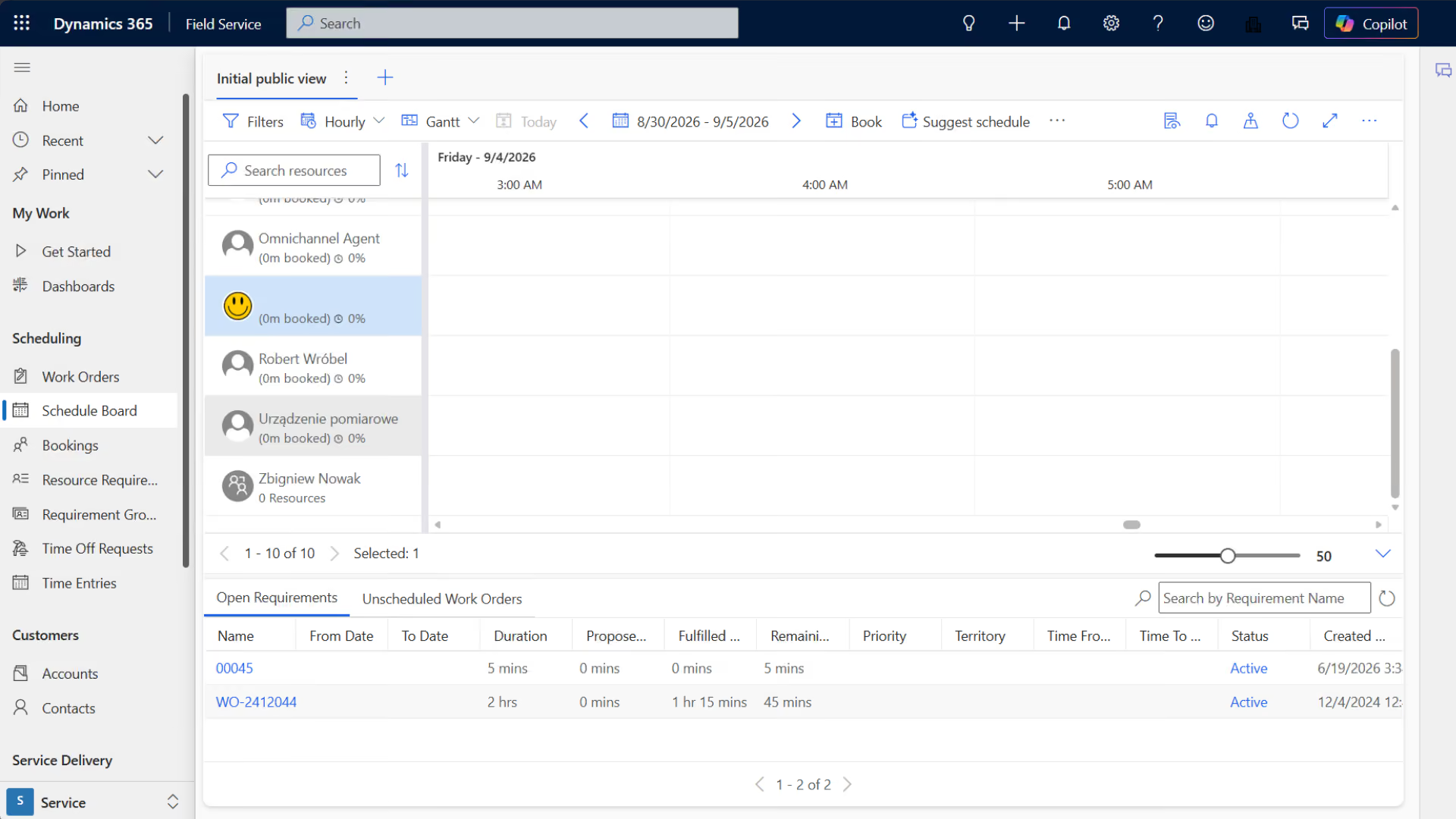
The dispatcher selects a time slot and resource based on expertise, area, and workload.

03

Implementation

The technician works on the go, updating the status, time, materials, and outcome of the visit.

04

Settlement

The complete data feeds into communications, invoices, KPIs, and the next maintenance plan.

THE LOOP CLOSES WITH DATA
Pillars

Field Service's Two Pillars: An Efficient Order Cycle and Data-Driven Decisions

A streamlined process from submission to settlement

Each role works on the same order, status, asset, and liability.

One Responsibility
The owner, due date, SLA, and status are visible throughout the entire process.
Mobile Implementation
The technician documents the work and evidence at the job site.
Parts related to the order
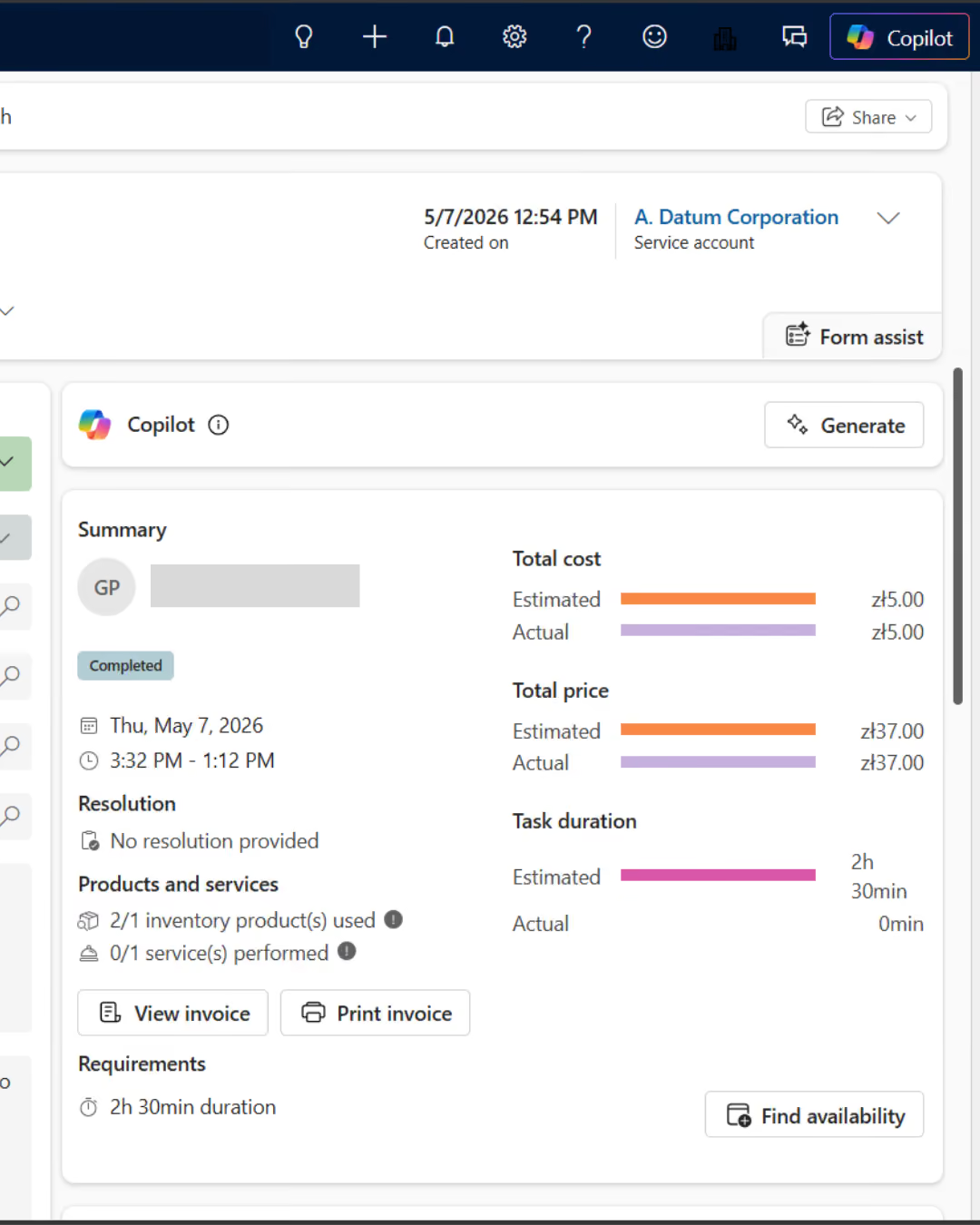
Material consumption updates the cost, inventory, and readiness for settlement.
Asset History
Each visit adds to the knowledge needed to make the next decision.

Risk-Based Planning and Maintenance

Data on demand, inventory, and equipment guide decision-making before costs are incurred.
Choosing the Right Technician
Jurisdiction, geographic scope, and availability limit incorrect assignments.
Fewer unnecessary trips
Optimization organizes routes and responds to schedule changes.
Contractual Inspections
Recurring jobs ensure that deadlines, SLAs, and device uptime are maintained.
An IoT Signal to Take Action
An alert can trigger a remote diagnosis or a field service call.
Photos

See how it works

What Is " Field Service " in a Company's Operational Model?

Dynamics 365 Field Service coordinates work orders, mobile resources, assets, parts, and liabilities to help service teams restore operations more quickly and protect margins.
Orders, Assets, and SLAs
It combines the reason for the visit, the device history, and a commitment to ensure that priorities are based on business risk.
Resource Scheduling
It tailors the method, schedule, and route to the team's expertise, location, and workload, thereby minimizing empty runs.
Mobile Work Execution
It provides the technician with context and allows them to immediately record the time, parts, checklist, photos, and results—even offline.
Data and IoT Maintenance
It creates recurring tasks based on contracts, and device alerts can trigger a diagnostic check or a service request before a failure occurs.

Take a look inside

Where Field Service Creates Value Beyond the Dispatch Center

Order data affects the customer, margin, inventory, and asset availability. The value increases when the outcome of a visit triggers the next process without the need for rework.

Service, Support, and Sales
It integrates service requests, service visits, device history, and communication so that the customer is aware of the status and the sales team can identify risks, renewal opportunities, or the need for an upgrade.
Finance, Inventory, and Operations
It transfers time, parts, costs, and results to inventory and accounting, shortening the path from completed work to invoicing and profitability analysis.
Production and Maintenance of Assets
It supports maintenance checks, inspections, emergency service calls, and IoT to minimize downtime, plan resources, and improve equipment reliability.
What We Optimize

What results have organizations that use Field Service

20–30%

less time spent looking for information

37→93%

increase in mobile app adoption

-50%

shorter task completion times

-48%

fewer unplanned repairs

FOR WHOM

For companies where orders are coming in faster than they can keep track of deadlines and margins

  • Orders, schedules, and device history are scattered across different systems, so the dispatcher has to plan manually, and the customer does not receive a reliable delivery date.
  • Technicians often have to return to the site due to a lack of data, expertise, or parts, and the company does not know the full cost and margin of the job.
  • The company wants to transition from reactive troubleshooting to preventive or IoT-based maintenance, but it lacks consistent assets, data, and escalation rules.

How We Implement

Implementation begins with the order cycle and the KPI baseline

Process and Data Audit

We map out tickets, work orders, assets, SLAs, resources, parts, routes, billing, integrations, and KPIs. We establish a baseline and conduct a pilot.

Implementation Field Service

We configure the order model, schedule, mobile app, roles, automations, and integrations. We migrate data, perform offline testing, and train the team.

Optimization and Scale

We track first-time fix rates, SLAs, travel times, backlogs, costs, and adoption rates. We improve our plans, parts, inspections, Copilot, and IoT scenarios.

Numbers, not slides

What Works for Customers Who Have Placed Their Trust in Us

End-to-end projects across various industries. The same Microsoft tools, different results—because each of our clients’ businesses is unique.

They've placed their trust in us

We save 20–30% of the time we spend on daily tasks—time that we used to waste searching for information.

Sławomir Wachowski
Director of the Automation Department
·
SECO/WARWICK Group
Let's talk about technology

Turn technology into results

Tell us what you want to improve. We'll show you how to use this technology to achieve a specific business outcome.